Warbirds.io
Play next
November 8, 2026 · 3 min read
Tactical FPS, single-player hacker runs, paintball and team shooters: which free browser shooters fit your device and playstyle, with controls for each.
Shooters are the biggest genre on PlayKovo after action and arcade, with more than 100 shooting games in the catalog. They are not all the same kind of game, though. Some need a keyboard and mouse, some are built for a phone, some drop you into a lobby with real players and some are single-player from start to finish. Here is how to pick one without opening five tabs.
CS Lite
shooting

A lightweight, no-frills browser FPS on familiar tactical shooter maps.
Play nowCounter-Shooter Online
shooting
Team FPS with private servers, bot fill-in, and a wide weapon selection.
Play nowCall of Battle
shooting
Team FPS built around capturing and holding key map positions.
Play nowCS Lite is a stripped-down browser FPS on familiar tactical shooter maps. Move with WASD, aim and fire with the mouse, reload with R. It is desktop only, and that is the whole pitch: no menus to dig through, you load in and shoot.
Counter-Shooter Online is a team FPS with private servers, bot fill-in and a wide weapon selection. The bot fill-in matters: if a lobby is half empty, bots take the open slots, so you are not stuck waiting. Call of Battle and Standout Strike: Counter Attack are in the same family. Call of Battle is built around capturing and holding key positions on the map, and Standout Strike puts rebels against security forces with an emphasis on reaction time and teamwork.


Underrun
shooting
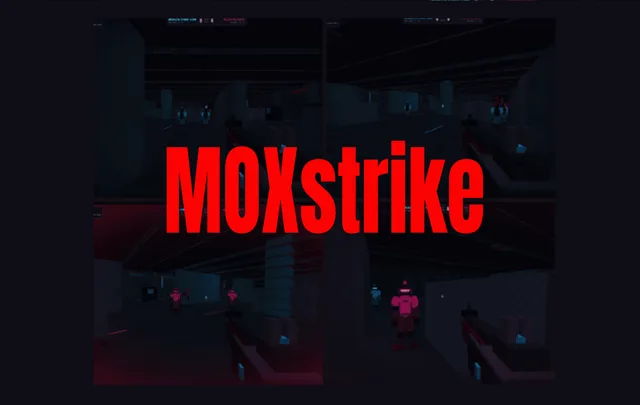
Fight through a hacked facility as a lone hacker-soldier, gunning down rogue spider-bots and sentries while rebooting every CPU to unlock the exit and reach the next level.
Play nowUnderrun is a single-player run through a hacked facility. You play a lone hacker-soldier, shoot rogue spider-bots and sentries, and reboot every CPU on the level to unlock the exit. Move with the arrow keys or WASD, aim with the mouse and hold the left button to shoot. Click once in the game window before you start so it takes your input.
Arena: Online Shooter
shooting
Team combat, capture-the-banner and free-for-all across sandy villages, cities and construction zones.
Play nowKS Zone Online
shooting
Online multiplayer sequel to KS Z, matched against real players.
Play now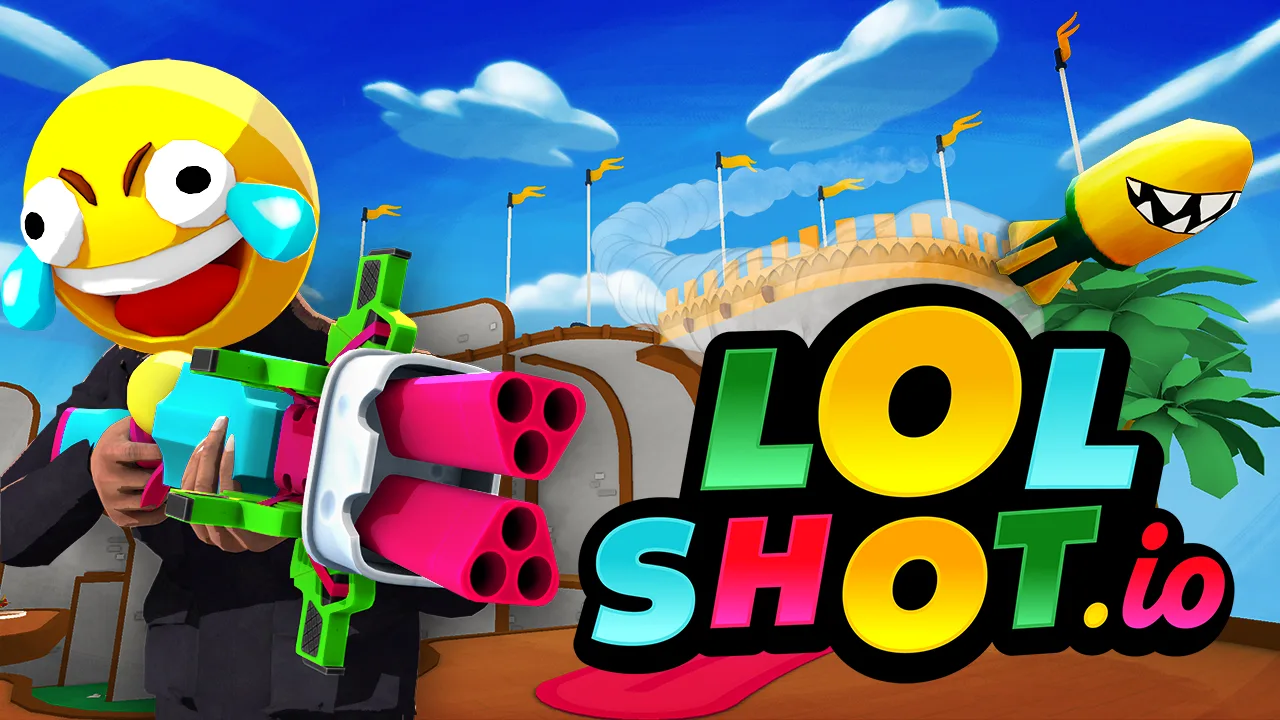
LOLShot.io
io
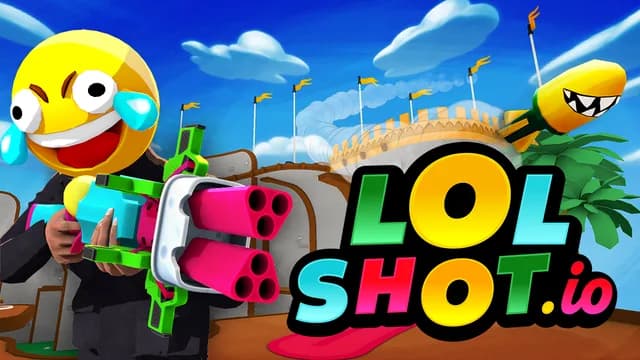
Free browser multiplayer first-person shooter. Aerial action, score points for spectacular combos!
Play nowArena: Online Shooter runs team combat, capture-the-banner and free-for-all across sandy villages, cities and construction zones. It works on desktop and mobile. KS Zone Online is the online multiplayer sequel to KS Z, matched against real players, and LOLShot.io is a first-person shooter built around aerial movement and combos. Both are desktop only.
Multiplayer lobbies in browser games can be quiet at off-peak hours. If you land in an empty room, try another time of day or pick a game that fills with bots. Our guide on telling real players from bots in .io games explains what to look for.
Color Brawls
shooting
Blast rivals with bright colors across fast-paced multiplayer arenas and locations.
Play now
Paintballz.io
io
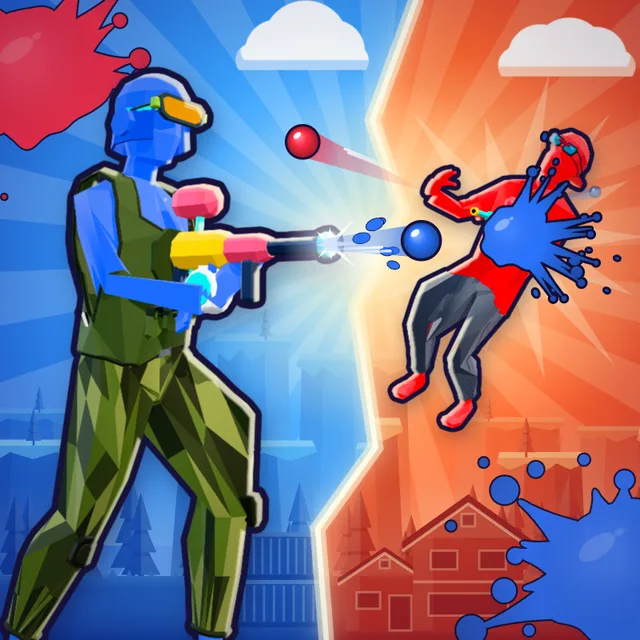
Fast online paintball shooter: one hit tags, so the first good shot wins. Team up or go free for all with up to 18 players.
Play nowObby: Battle Arena
shooting
Battle other players with guns in a fast third-person obby arena.
Play nowColor Brawls trades realism for bright colors and quick multiplayer arenas. Move with WASD or the arrow keys, shoot with left-click, and use the on-screen joystick on mobile. Paintballz.io is a paintball shooter where one hit tags a player, so the first good shot wins. It supports up to 18 players in team or free-for-all modes; we wrote a full Paintballz.io guide with modes, maps and controls. Obby: Battle Arena mixes third-person gunplay with an obby arena, and it also has its own controls and tips guide.
Weapon Simulator 3D
shooting
Interactive firearm simulator: switch firing modes, reload, work the bolt and unlock guns on a shooting range.
Play nowWeapon Simulator 3D is a firearm simulator on a shooting range. You switch firing modes, reload, work the bolt and unlock guns by interacting with the weapon parts directly with the mouse or by touch. There is no enemy to defeat, so it suits people who just want to handle the guns.
If you are brand new to the genre, start with our aim tips for beginners, then browse the full shooting games category. Every game above runs in your browser with no download and no sign-up.
Related guides
Pixel-art sniper missions, 1v1 duels, voxel deer hunting and desktop sniper FPS games, with aiming and setup tips for precision shooting in the browser.
shootingDefend an orphanage, hold a signal point, craft and survive, drive an armoured car or play an infection mode: free zombie games in your browser, sorted by what you do.
shootingA third-person gun arena in blocky obby maps. Learn the controls, use cover and finish with the most eliminations.
We use optional cookies for site analytics and site advertising. You can change your choice later. Privacy policy.