Crowd Rush 3D
Siradaki oyun
19 Kasım 2026 · 4 min read
Free to pay, free to install and free to join are three different things. What browser games cost instead of money, and a quick check before you commit to one.
"Free" is the most used word in game search, and also the least precise. A game can be free to start and still push you toward a purchase. A game can cost nothing and still ask for an account, an install, or your attention every ninety seconds. If you are typing things like "free games to play" or "play free games online" into a search box, it helps to know what you are actually asking for, and what you are agreeing to when you click.
This is a plain account of what free means for browser games, what it does not cover, and how to tell the difference before you spend an evening on a game.
When people say they want free games, they usually mean one or more of these:
These are independent. A game on an app store can be free to pay and still need an install and an account. A browser game can need no install and no account but still show ads. Knowing which of the three you care about makes searching much faster. If you mostly care about not installing anything, a browser catalog covers it. If you care most about never seeing a payment prompt, you need to look at each game's shop more carefully.
Someone pays to host the game, build it and keep the site running. For free browser games, that is usually advertising. On PlayKovo, the site's privacy page lists advertising services such as Google AdSense and Yandex among the site's optional scripts, and says these load after you accept the cookie notice. Games also come from outside providers, and loading a game connects your browser to that provider, which can have its own advertising and storage under its own policy.
So the honest summary is: the price is some ad exposure, plus whatever data those services handle under the privacy settings you choose. It is not zero cost in every sense, but you are not charged. If ads are your main objection, we wrote a separate post on what is and is not possible there: online games with no ads.
Blade Spin
arcade

Bıçaklarını dönen kütüğe at ve içinde zaten saplı bıçaklara çarpmamak için dikkatle nişan al. Her kütüğü kır, zorlu patronları yen, ödüller topla ve yeni bıçak tasarımlarının kilidini aç.
Şimdi oyna
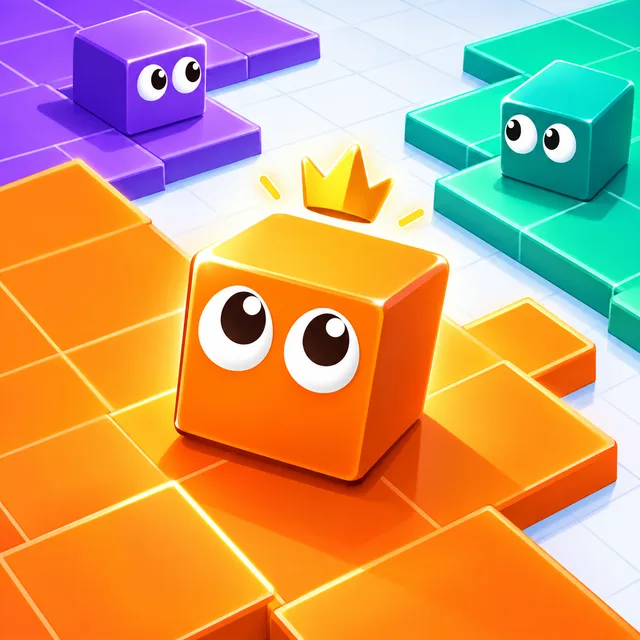
Land Grab 3D
io
Toprağından çık, bir iz çiz ve toprak ele geçirmek için geri dön, ama rakiplerin izini kesmesine izin verme!
Şimdi oynaArrows: Make It Cozy!
puzzle
Dolaşık okları çarpışmadan tahtadan kaydır, sonra kendi sıcak odanı döşe.
Şimdi oynaMany free games have a shop. What matters is what pays for it. In several games on the site, the shop currency is something you collect by playing:
In each of these, the description talks about collecting coins or stars while you play. That is a very different thing from a button that asks for a card. Reading the game's description for the words "coins", "stars" or "unlock" tells you quickly whether the shop is an earn-by-playing loop.
Instead of searching "free games" and scrolling forever, narrow it by what you want to do right now:
Or open the full games list and sort by what you like. The goal is to spend your first ten minutes playing rather than reading lists.
Free does not mean every game is polished, and it does not mean every game will run on your device. A game from a small studio can have rough edges. A multiplayer game may be empty at some hours. Some games stop and wait for an ad to finish before they continue. None of this is hidden dishonesty; it is the usual reality of browser games. If a game does not load for you, our guide to fixing a browser game that will not load goes through the common causes in order.
The simplest rule is to decide which "free" you actually care about, check the description for it, and then play for a minute before you decide whether the game earns more of your time.
Alakalı rehberler
A small, checked selection of holiday browser games: a tree-decorating game, a Santa team shooter, a snowy stunt-bike series and a frozen military shooter.
casualSix calm browser games from PlayKovo, from a merge-puzzle bakery to a tractor farm and a marble sorter, with what you do in each, the controls and who it suits. No download, no sign-up.
casualNo tutorial to sit through, no run to lose progress on — just open a tab and play. Here's what actually holds up past the first five minutes.
Site analizi ve site reklamları için isteğe bağlı çerezler kullanıyoruz. Tercihini daha sonra değiştirebilirsin. Gizlilik politikası.