

Obby: Battle Arena
Play next
More games
November 22, 2026 · 5 min read
Minecraft-Style FPS Beginner Guide: Controls, Aim Tips and How to Build Blocks
Getting started, devices, maps, weather, social features and upcoming modes in a free blocky browser shooter.
New to blocky shooters? This guide covers how to start playing a Minecraft style FPS: the controls, the first mode to try, how to aim, how to use blocks and how to earn coins fast. The game used for examples is CraftStrike.io, a free multiplayer FPS that runs in your browser with no download.
▶ Play CraftStrike.io now (free, no download)
Step 1: Open the game
Go to craftstrike.io in a current version of Chrome, Edge or Firefox. You can play as a guest straight away. If you want your progress saved and available on other devices, sign in with email or Google. Two-step login is available.
Step 2: Learn the controls
- Move:
WASD - Jump:
Space - Shoot: left mouse button
- Aim down sights: right mouse button
- Reload:
R - Switch items:
1to5or the mouse wheel - Grenade:
G - Build blocks:
Q - Change weapons:
B - Camera view:
V - Emotes:
N - Scoreboard:
Tab
On a phone, use the left stick to move, drag the right side of the screen to look, and use the on-screen buttons to shoot, jump and reload.
Step 3: Pick a first mode
Start with Team Deathmatch. It is 5 vs 5 to 40 kills, matches last up to 5 minutes, you respawn quickly and your team covers you. Once you feel comfortable, try Free For All (8 players, first to 25 kills) to test your aim, or Gun Game to practice every weapon class.
Step 4: Aim properly
- Aim down sights for anything past close range. Hip fire is for close fights.
- Go for the head. Headshots deal far more damage. Keep your crosshair at head height as you move.
- Burst, do not spray. Holding the trigger makes recoil climb. Use short bursts of 3 to 5 shots at range.
- Reload behind cover. An empty magazine in the open is a common way to die.
Step 5: Use blocks and the map
Blocks are what make a Minecraft style shooter different. Press Q, aim and click to place one. A single block can give you cover in a duel, and stacked blocks can take you up to a rooftop. Rooftops, catwalks and towers also give you a better view, so learn the stairs and ladders on each map.
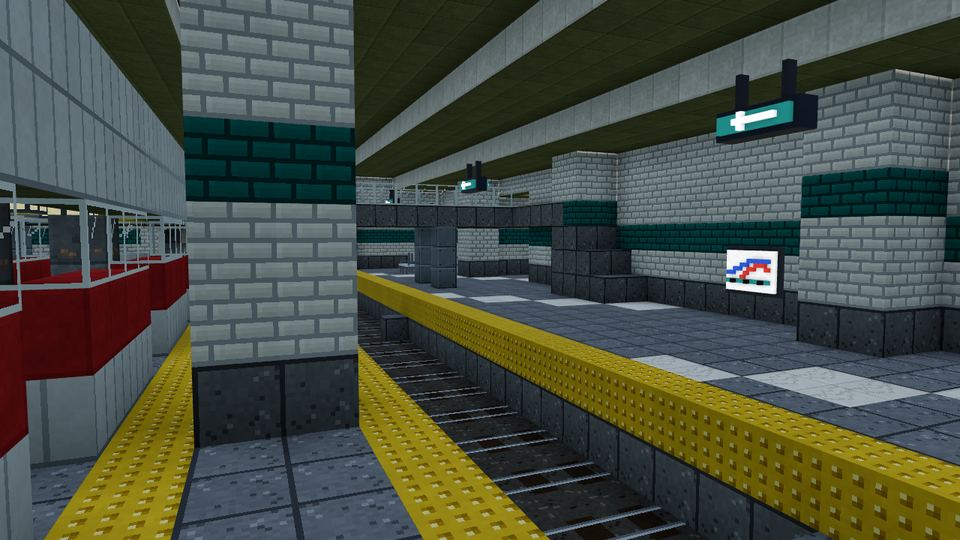
Pick the weapon for the map. On open maps a rifle or sniper shines. In tight spaces like the Container Yard or Metro Central an SMG or shotgun wins close fights.
Step 6: Play as a team and earn coins
- Stay near a teammate so two guns face every enemy.
- Watch the minimap and listen for footsteps and gunfire.
- Finish matches, since every match pays coins and XP, with more for kills and wins.
- Use the optional reward ads for bonus coins.
Coins unlock outfits, emotes and robot skins. They cannot be bought with real money.
Maps and weather to expect
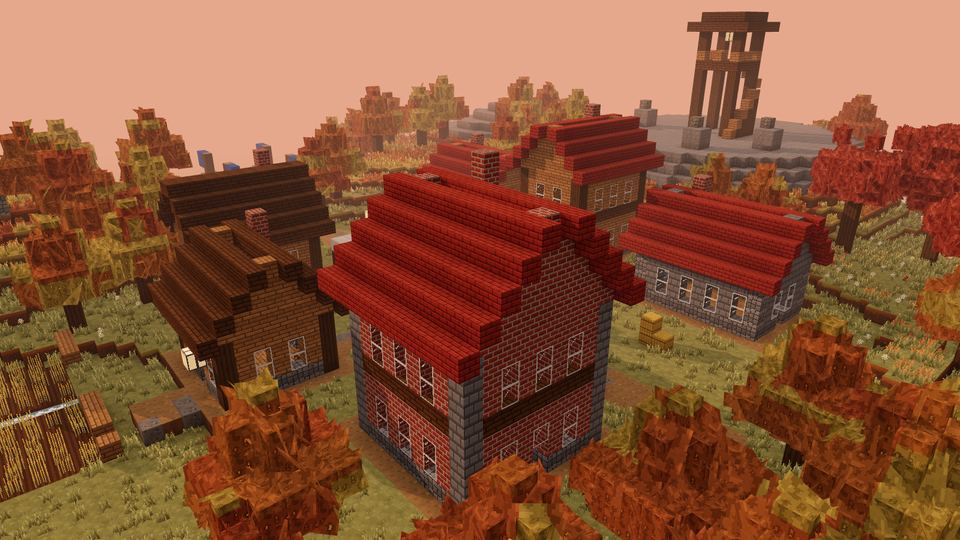
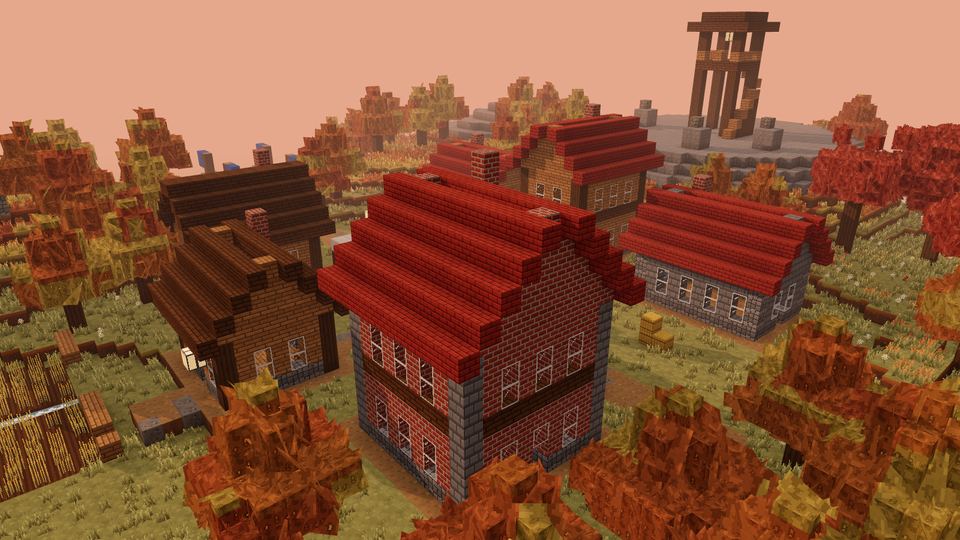
There are 20 maps, including sunny islands, snowy villages, a night market, a volcano, a container ship and a metro station. They appear in different seasons and weather, from summer and cherry blossom to rain, storms, snow and night.
Mistakes new players make
- Standing still while shooting. Strafe left and right so enemies cannot track you.
- Running in straight lines. A predictable path is easy to hit, especially for snipers.
- Ignoring the minimap. Footsteps and gunfire show where the fight is.
- Playing alone. In Team Deathmatch, fighting next to a teammate puts two guns on every enemy.
- Forgetting grenades. A grenade (
G) is the best way to flush out enemies who are hiding behind a wall.
Mobile players: how to get the best experience
Mobile support is in early access, so a few habits help. Play in landscape, keep the screen on a stable network and close other apps. Use short sessions, since a phone can get warm during long matches. If you can, switch to a PC or laptop for ranked-style play, because a mouse and keyboard give more precise aim. Full-quality mobile support is planned before 2027.
Practice plan for your first week
- Day 1: learn the controls and play three Team Deathmatch matches.
- Day 2: practice aiming down sights and headshots.
- Day 3: try building blocks for cover.
- Day 4: test a different weapon class.
- Day 5: play Gun Game and Free For All.
- Day 6: invite a friend into a party.
- Day 7: check your rank and unlock an outfit with your coins.
How a 5-minute match flows
Most Team Deathmatch matches follow the same arc. The first minute is about getting to good positions and trading early kills. The middle of the match is where teams find their rhythm, and a team that stays together usually pulls ahead. The last minute is a race to 40 kills, and the leading team should avoid risky pushes while the trailing team looks for flanks. Knowing this arc helps you decide when to be careful and when to take a risk.
Settings and setup tips
- Turn on hardware acceleration in your browser for better frame rates.
- Go fullscreen with
F11to avoid distractions. - Close other tabs, especially video sites.
- Plug in your laptop so the graphics chip runs at full speed.
- Use a mouse if you are on a touchpad.
Playing with friends
Add friends from the friends list, invite them to a party and queue together. You can talk in direct messages and in-game chat. If your friends are new, start them in Team Deathmatch and let them watch you place blocks and use cover.
Frequently asked questions
What is the best gun for beginners?
An assault rifle. It works at close and medium range and is easy to control in short bursts.
How do I build blocks?
Press Q to switch to blocks, aim where you want one and click.
Is it free?
Yes. There are no real-money purchases.
What is coming next?
Search & Destroy, Bed Wars and Build Battle are listed as coming soon. The game is updated every day.
Play your first match
Open craftstrike.io, pick Team Deathmatch and put these tips to use. If you want other quick games afterwards, see the PlayKovo library.

Related guides
shooting
Minecraft Style Shooter You Can Play in Your Browser for Free (No Download): CraftStrike.io
A free blocky multiplayer FPS with 5v5 matches, 20 maps and 348 weapons. No download, runs in your browser.
shootingCraftStrike.io: The Complete Guide to the Free Blocky Multiplayer FPS
Modes, maps, 348 weapons, outfits, social features and tips for CraftStrike.io, a free Minecraft-style multiplayer FPS you play in your browser.
shootingBest Free Online Shooter Games You Can Play in Your Browser, No Download
Tactical FPS, single-player hacker runs, paintball and team shooters: which free browser shooters fit your device and playstyle, with controls for each.