
HTML5 game publishing
Gameplay Clips on Social Media: Showing Embedded Games Honestly
Record short clips that explain a game in seconds, present it as a catalog game, avoid misleading footage and measure visits.

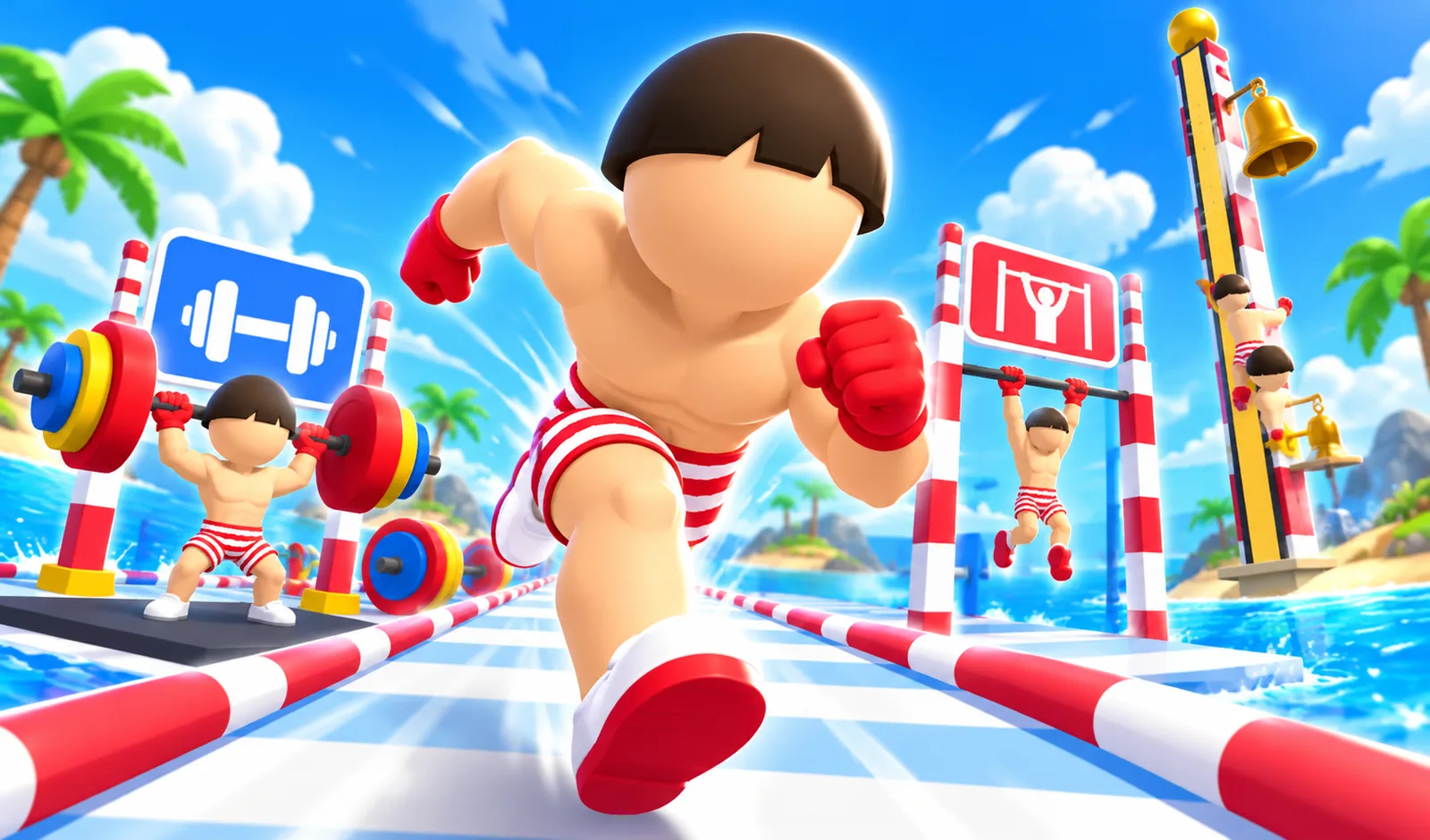
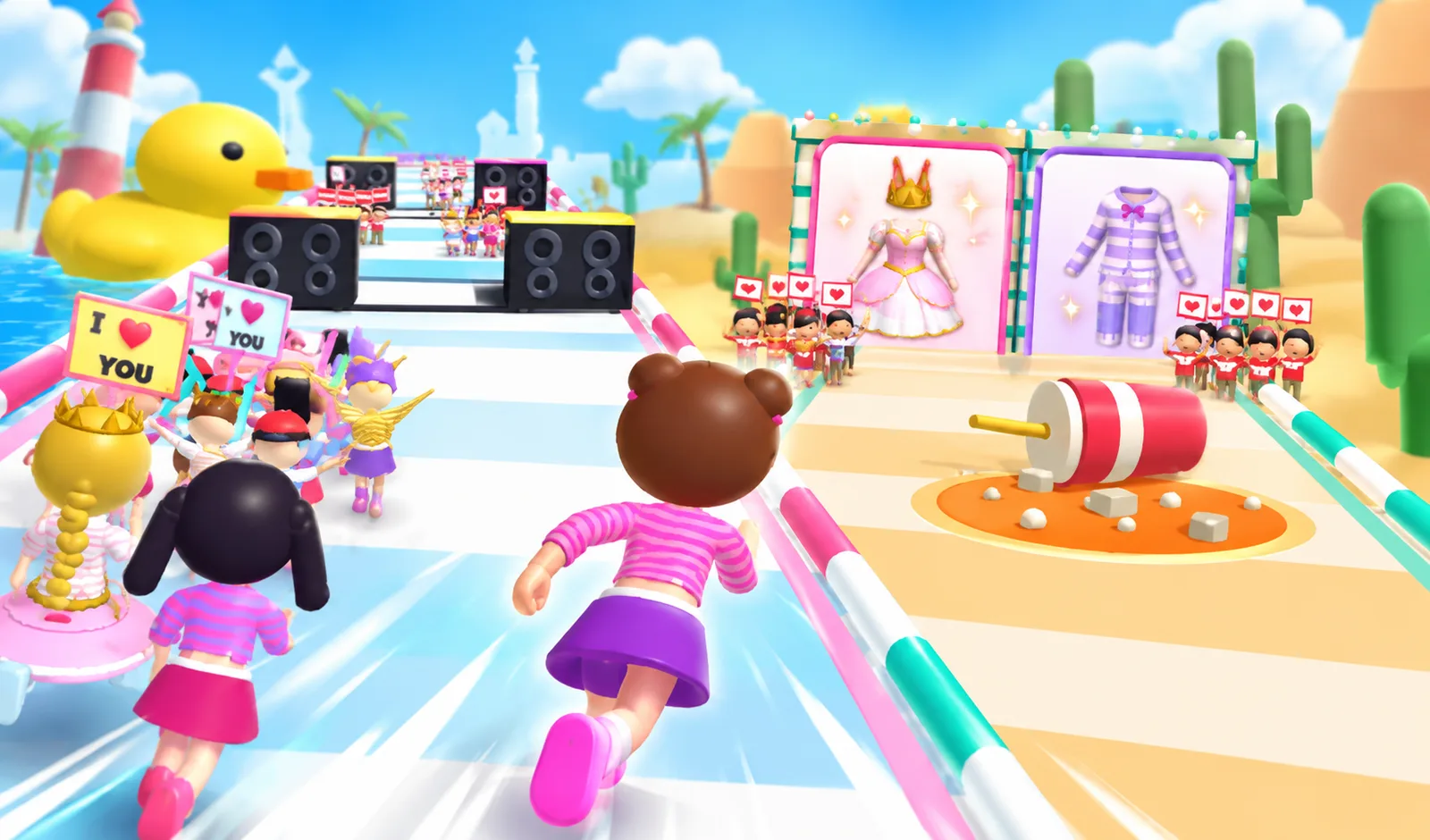
Short gameplay clips are one of the easiest ways to show people a game. A ten-second video of a satisfying sorting level or a close call in a runner says more than a paragraph. If you run a games section with PlayKovo embeds, social media clips can bring visitors to your pages. This post covers how to make useful clips, how to present the games honestly, and what to avoid.
Why clips work for browser games
- Most browser games are easy to understand in seconds.
- Many are visually satisfying: sorting, stacking, merging, breaking.
- There is no download, so the step from "this looks fun" to playing is short.
The main thing a clip must do is make the game understandable in the first two seconds, with the sound off. Many people scroll with sound muted.
Recording
- Record at the size the platform uses. Vertical 9:16 for short-video platforms. Portrait games fit naturally. For landscape games, crop around the action or add the game in the middle with a simple background and a title above.
- Use screen recording on a phone or computer. Hide notifications and personal information first.
- Record many attempts, then keep the best few seconds.
- Keep it short. Five to fifteen seconds is often enough for one moment.
What makes a good clip
- Start in the action. No logo intro, no menu.
- Show one idea. A level being solved, a near miss, a big combo.
- Show a result. The satisfying end of a level is the moment people watch for.
- Add short on-screen text explaining the game in a few words, for viewers without sound.
- End with where to play. Your site name or a short call to action, and the link where the platform allows it.
Be honest about the game
Gameplay ads across the industry have a reputation for showing things that are not in the game. Don't do that:
- Show real gameplay from the actual game.
- Don't fake fails or edit in features that do not exist.
- Don't promise prizes, money or rewards that the game does not offer.
- Use the game's real name, so people can find it.
Misleading clips might get views, but visitors who feel tricked leave immediately and don't come back.
Present the game as what it is
The games in the PlayKovo catalog are made by their developers, not by you. In your posts:
- Say "play it free on [your site]", not "our new game".
- Don't use the PlayKovo name or logo in a way that suggests your account is official PlayKovo, unless you have permission.
- If the game shows a developer name or logo, don't remove it from the footage.
Before publishing gameplay footage, check the partner terms and the rules of the platform you post on. If you are unsure whether a particular use is allowed, ask the PlayKovo partner team through the contact in the partner documentation.
Music and sound
Using the game's own sound is usually the safest choice. Adding popular music to a clip can lead to removed videos or muted audio, depending on the platform's licensing. If you add music, use tracks the platform provides for that purpose or music you have a license for.
Captions and descriptions
- The game name in the first line.
- One sentence on what makes it fun.
- Whether it works on phones.
- Where to play, with a link where allowed.
- A few relevant hashtags, not a wall of them.
Where to send viewers
Send viewers to your own page for the game, not to a generic homepage. Someone who clicked because of a sorting puzzle wants that sorting puzzle immediately. Make sure the page loads fast on a phone and the game is near the top.
On platforms that only allow one link in a profile, use a simple page on your site listing the games from recent clips, with the newest at the top.
A simple routine
- Pick one game per post, from your most-played or a new arrival.
- Record ten minutes of play, cut the best ten seconds.
- Add the game name as on-screen text.
- Post with an honest caption and the link.
- Check after a week which clips sent visitors to your site.
Measuring
Views are not the goal, visits and plays are. Use links with UTM parameters, and compare which games and which kinds of clips actually bring people who play. A clip with fewer views but more clicks is the better format to repeat.
Checklist
- Real gameplay, no fake features or fails.
- Understandable in two seconds without sound.
- Game named correctly, not presented as your own.
- No personal info or notifications in the recording.
- Music that is licensed for the platform.
- Link to the game's page on your site.
- Partner terms and platform rules checked.
More guides for site owners are on the developers and partners blog.