
HTML5 game publishing
Making HTML5 Games With AI: Which Model to Use and How to Prompt It
Claude and ChatGPT Codex can both build a playable browser game in an afternoon. Whether it is a good game depends mostly on the brief you give them and how you test.

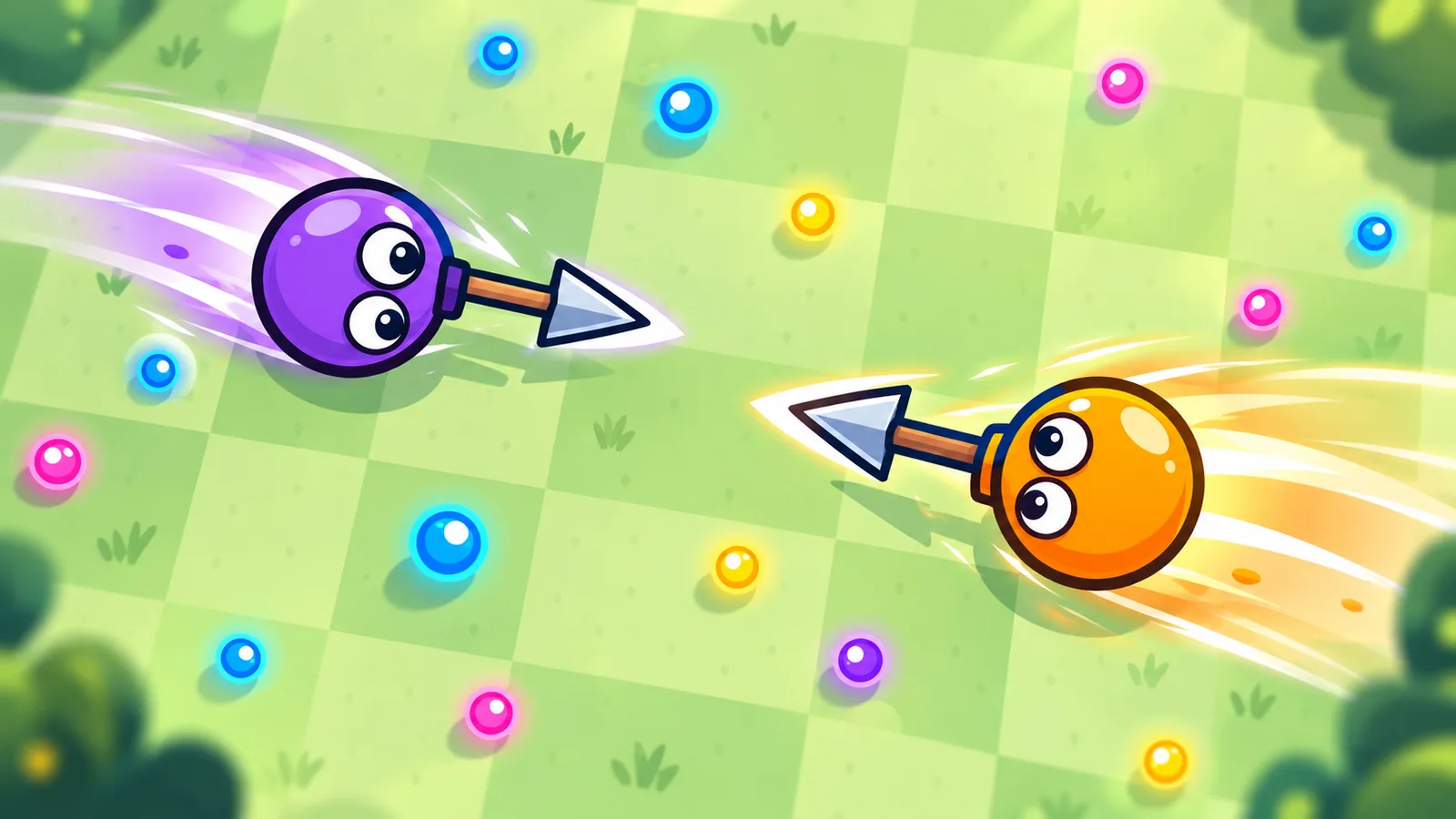
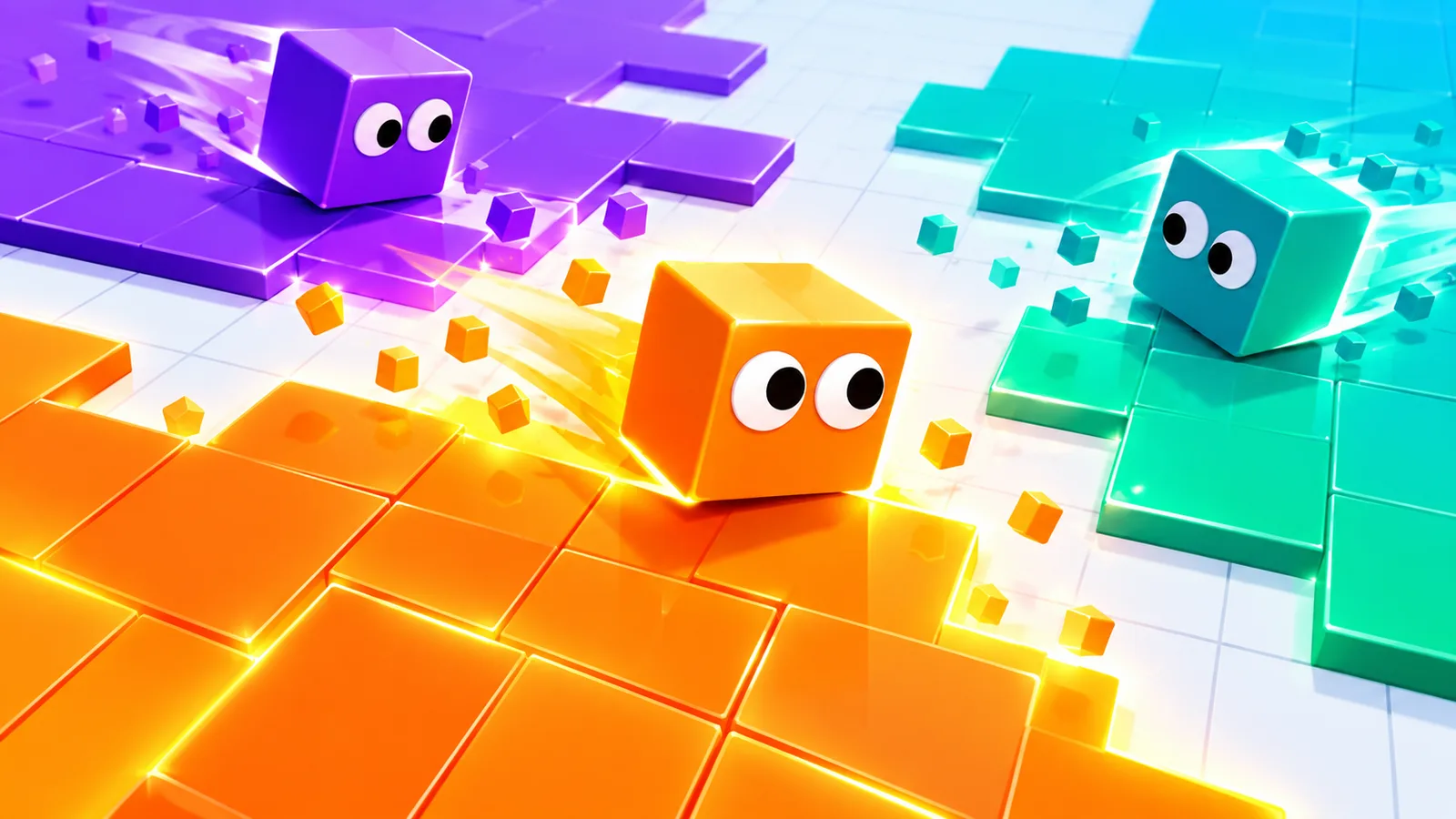
A browser game that took a small team weeks a few years ago can now reach a playable state in an afternoon, with an AI model writing most of the code. That is real. It is also why the web is filling up with AI-made games that nobody wants to play twice. The model is rarely the reason for a bad one. The brief and the testing are.
This guide covers which models give strong results, why plain HTML and JavaScript is a good fit, and the habits that separate a game people finish from one they close after ten seconds.
The two worth starting with
ChatGPT's Codex and Anthropic's Claude models, Sonnet and Opus 5.5 among them, are the two we would start with for game work, and both are strong. They write clean code in plain HTML, Canvas and WebGL and in the libraries that browser games are built with, such as Three.js and Phaser. For a small or medium browser game they are often faster than working in a game engine, because there is no editor to drive and no project format to fight.
They differ in useful ways. Claude Opus 5.5 is very good at holding a whole project in its head: it reads the existing files before changing them, keeps a consistent structure across a long session and handles the unglamorous details, such as touch input, resizing and cleanup, with care. Codex is excellent at reasoning through a hard problem: tracking down a bug that depends on timing, working out why a physics step misbehaves, or carrying out a long chain of changes across a repository and checking its own work. Plenty of developers use one to build and the other to review. These are general impressions, not benchmark results, and the models change quickly, so test the current versions on a small brief of your own before committing.
Why plain web tech works so well
- Everything is text. A model can read and edit all of the game, including levels and settings. In many engines, important parts live in scene files and editor settings that a model cannot see.
- You can run it immediately. Save the file, refresh the tab and you are playing. Short feedback loops matter more than anything else when you work with an assistant.
- The libraries are well known. Three.js, Phaser and Canvas have years of public examples behind them, so the generated code is usually idiomatic.
- The output is the product. A browser game does not need a build pipeline for a portal to host it, only the files.
Why so many AI games feel the same
Ask for a fun racing game and you get an average racing game: a track, a car, a lap counter and a score. The model fills every gap with the most typical choice, and nothing in the result belongs to you. The answer is to decide those things first and write them down.
- The rule in one sentence. For example: you pull a rope-swinging character through gaps, and touching a wall ends the run. If you cannot say it in a sentence, the game is not ready to build.
- How a round starts and ends, and how long it lasts. A round of 30 to 90 seconds suits the web better than a level of ten minutes.
- Controls on a phone first. Say exactly what each finger does, since most of your players will be on a phone.
- The look. Give a palette of three or four colors, the shape language and the mood. Without this you get the default neon-on-black look.
- What makes a hit feel good: screen shake, a small pause on impact, a sound, a particle burst. These are what players remember as game feel, and a model will not add them unless asked.
- Hard limits. Cap the pixel ratio, avoid real-time shadows, keep it playable on a mid-range phone. Our guide on <a href="/developers/blog/why-html5-game-lags-on-phones-pixel-ratio-shadows">why web games lag on phones</a> lists the settings worth naming.
Build in small steps
Do not ask for the finished game. Ask for the smallest version that you can play: one character, one obstacle, one way to lose. Play it. Then change one thing at a time. Each step gives you something to run and a version to return to if the next change goes wrong. Commit every working state to version control so a bad suggestion costs a minute, not an afternoon.
Give feedback the way you would to a human colleague who cannot see your screen. “It feels off” gives the model nothing to act on. “The jump takes too long to reach the top and feels floaty; make it peak in about 0.35 seconds and fall faster than it rises” does. Paste console errors in full. Attach a screenshot when the problem is visual.
Ask for the tools that make testing fast
The biggest time saver is a set of debug hooks written at the start: skip to a level, spawn an enemy, give yourself extra lives, show the frame time. Without them, testing the fifth level means playing four levels first. A model will gladly build these if you ask, and they save more time than any single feature.
What you still have to do yourself
- Play it on a real phone. Multi-touch conflicts, a notch covering a button and a browser bar that moves the layout only show up on a device.
- Judge the balance. A model can make the game work. Whether it is fair, tense or too easy is something only play will tell you.
- Give it an identity. The model supplies competent defaults. Choosing a distinct look, name and mechanic is your job.
- Check the performance. Measure frame time on an older phone rather than trusting that it looks smooth on yours. Our guide to <a href="/developers/blog/mobile-browser-60-fps-frame-budget-garbage-collection-textures">holding 60 FPS in mobile browsers</a> explains how.
- Own the assets. Do not ask a model to copy another game's art, characters or names. Draw shapes in code, make sound with the Web Audio API or use assets whose license you have read. A game that imitates a known one too closely will be turned down for that alone.
A brief that works
Here is the shape of a prompt that gives a model something to build. Name the game and its single rule. Describe a round from tap to game over. List the controls for a touch screen, then for a keyboard. Describe the look in colors and shapes. Name the hard limits, such as a single HTML file, no external requests and 60 frames per second on a mid-range phone. Then say what you want first: the smallest playable version, and nothing else. Add the rest in later messages.
Is an AI-made game acceptable on a portal?
On PlayKovo, every game is reviewed on how it loads, plays and behaves, and there is no extra bar for a particular genre, studio or tool. What counts is that the game works on a phone, that the controls are clear, that the description is accurate and that you have the right to publish every part of it. Read the quality standards and test the build with the checklist in our playtesting guide before you submit.
Which one should you pick?
Give both the same small brief and see which result you would rather keep working on. If you want the quickest route from an idea to a playable build and a coherent codebase that stays tidy over many sessions, try Claude Opus 5.5. If your project is stuck on a subtle bug or needs a long, careful chain of changes carried out and checked, Codex is excellent. The better tool is the one that fits how you work. The better game comes from a clear idea, a small first version and a lot of playing.