
Gravity Flip
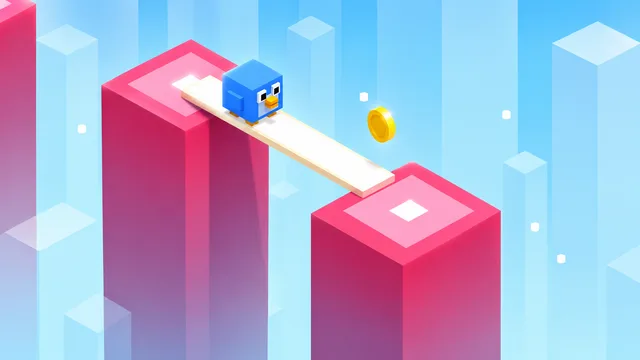 3D Plank
Play next
Game details
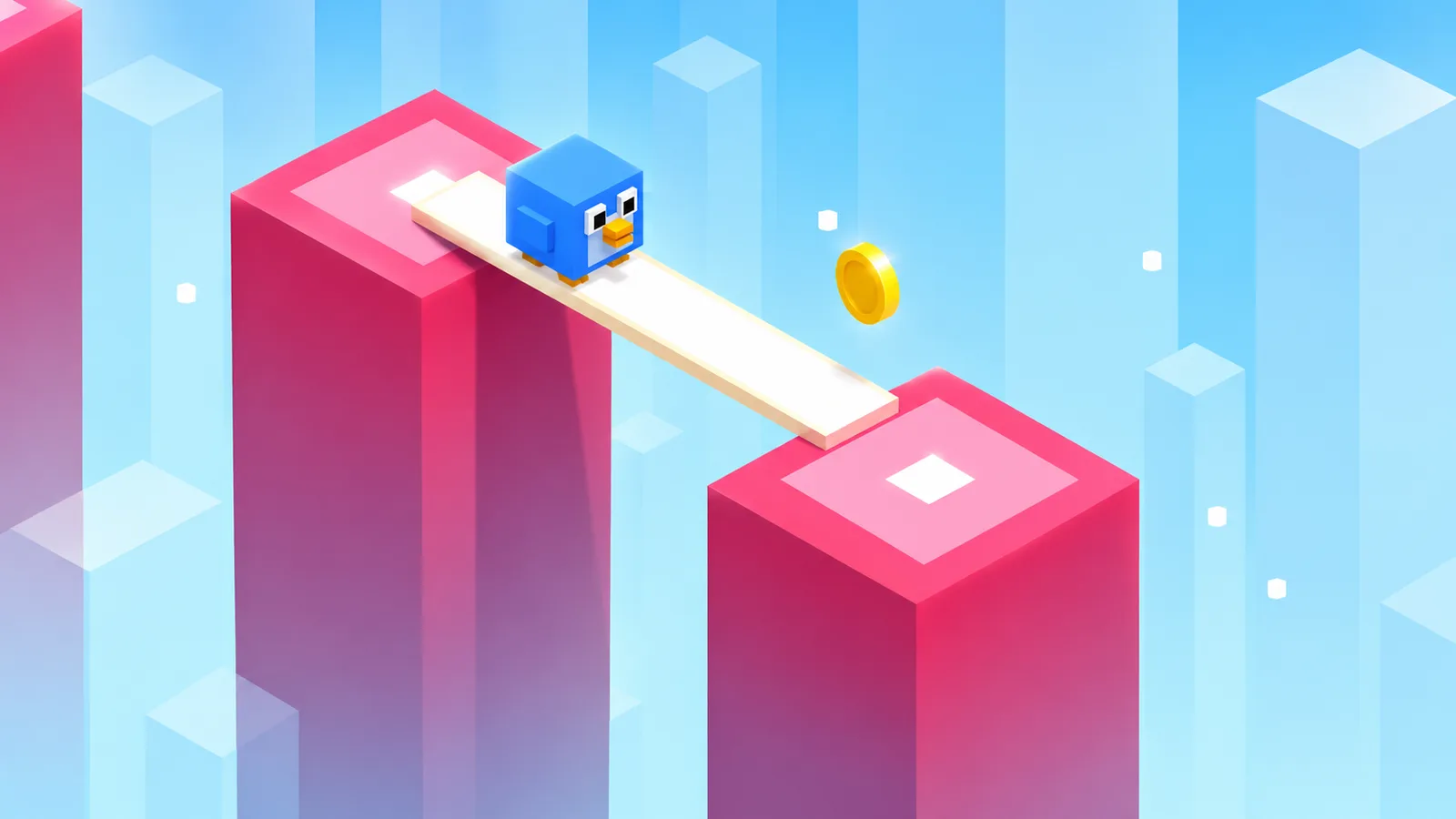
Hold to grow your plank, release to bridge the gap and walk across! Rescue caged animals, collect coins and unlock cute skins. How far can you go?
Developer: PLAYKOVO
3D Plank is a simple, addictive one-tap bridge game. Hold to stretch your plank, release to drop it, and walk across to the next pillar. Make it too short or too long and you fall! Land the plank right in the middle of a pillar for a PERFECT bonus and build up combos for extra points. Along the way, free the caged animals to earn bonus coins and let them follow you on your journey. Collect coins to unlock a whole crew of blocky characters, from the Birdy and Froggy to the Ninja, Robot, Angel and King. Every 10 points the world changes with a brand new colorful theme, and the pillars get tougher the further you go. Easy to learn, hard to put down - can you beat your best score? Features: - One-tap controls, perfect for quick sessions - Perfect landings and combo bonuses - Rescue caged animals and collect coins - 9 unlockable characters - Colorful themes that change as you progress - Watch a video to continue after a fall or multiply your coin reward
Press and hold to grow the plank. Release to drop it. If the plank lands on the next pillar, your character walks across. If it is too short or too long, you fall. Aim for the center of the pillar for a PERFECT bonus. Free caged animals for extra coins, and spend coins in the shop on new characters.
Mouse / Touch: press and hold to grow the plank, release to drop it Keyboard: hold Space or Up Arrow to grow, release to drop Pause: P or Esc
You might also like
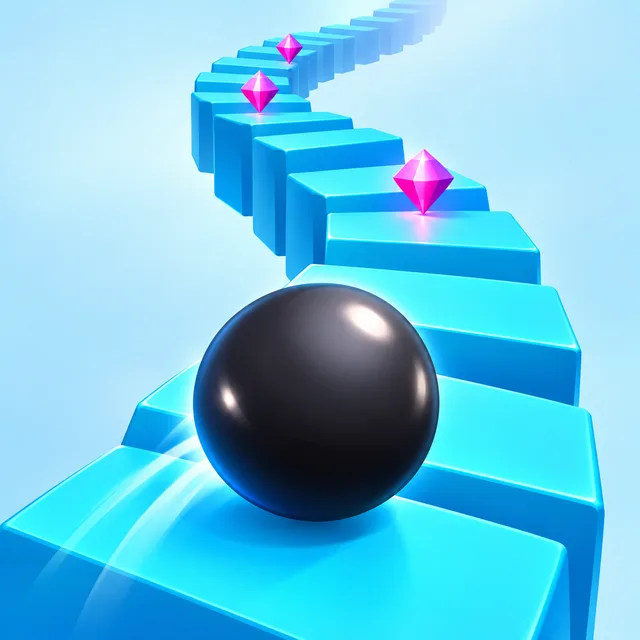
Liked this one? You'll probably enjoy Gravity Flip and Circle Escape too.
Yes. You can open the 3D Plank game page on PlayKovo for free.
No. 3D Plank opens in the browser, so the PlayKovo game page does not require an installer.
3D Plank is listed with both desktop and mobile support. Check the controls section on this page for the inputs available on your device.
Press and hold to grow the plank. Release to drop it. If the plank lands on the next pillar, your character walks across. If it is too short or too long, you fall. Aim for the center of the pillar for a PERFECT bonus. Free caged animals for extra coins, and spend coins in the shop on new characters.
Mouse / Touch: press and hold to grow the plank, release to drop it Keyboard: hold Space or Up Arrow to grow, release to drop Pause: P or Esc
Guide
Heat and battery drain come from three places: the screen, the chip and the radio. Which genres push hardest and what you can change in thirty seconds.
What free means at PlayKovo, how browser games earn money through advertising, and the signs that a free game is asking for more than it should.
Keep exploring
 Top
TopGo Kart Racing Game
Obby: Battle Arena
 Featured
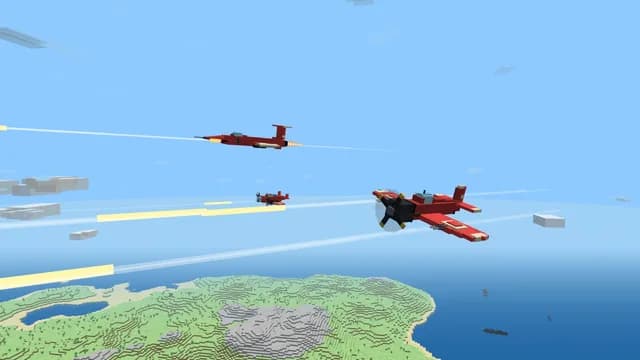
Warbirds.io
 Featured
imposter Duck : Online
Sprunki World Online RP - Play with Friends!
 Featured
Underrun
 Featured
Just Blow UP
 Featured
Toy Box Challenge
Tap 3D Wood Block Away
 Featured
Crowd Rush 3D
 Featured
Muscle Run
 Featured
LOLShot.io
Color Brawls
 Featured
Wriggle.io
We use optional cookies for site analytics and site advertising. You can change your choice later. Privacy policy.