
Website publishing
How to Choose Your First 20 Games for a New Gaming Website
A selection method and a sample 20-game collection from the PlayKovo embed catalog, balanced by genre, mobile support and distribution permission.
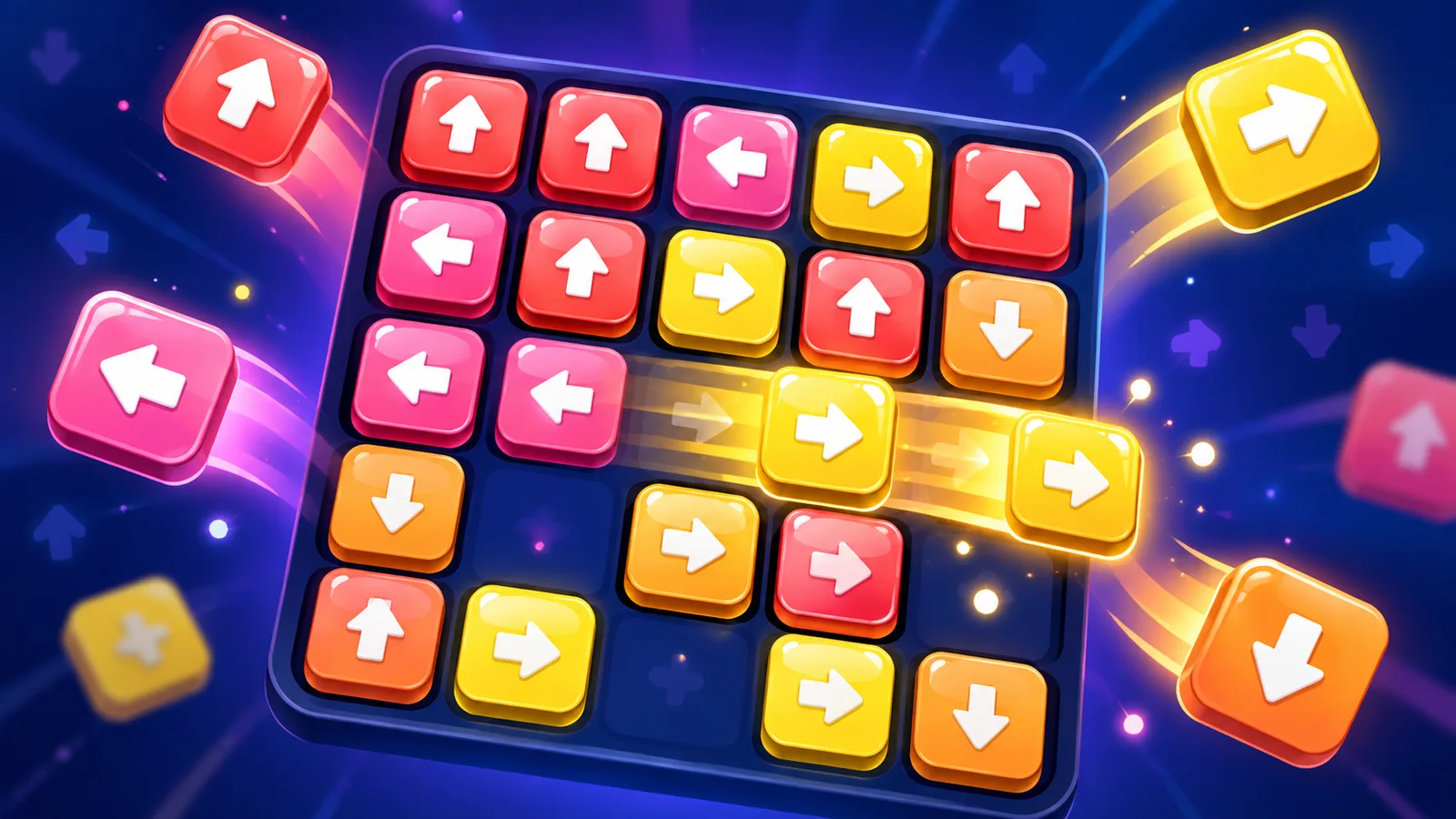


A new game site with 300 random games looks worse than one with 20 well-chosen ones. Visitors judge you by the first few games they click, and search engines judge you by whether your pages are useful. This guide shows how to pick your first 20, how to balance genres, what to check before each one goes live, and gives a sample collection built from games that are open for distribution through the PlayKovo catalog.
Principles for the first 20
- Quality beats count. Play every game for five minutes yourself. If you would not recommend it to a friend, skip it.
- Mix session lengths. Some games should be playable in 30 seconds, others should hold a visitor for 20 minutes.
- Cover several categories, but lean toward the ones with steady demand: puzzle, arcade, casual and action.
- Be mobile-first. Most casual game traffic arrives on phones, so most of your 20 should work with touch.
- Only take games you may distribute. Embed permission is the most important check, more than graphics.
- Avoid duplicates. Five almost identical sorting games do not make a catalog.
Suggested split
| Category | Games | Purpose |
|---|---|---|
| Arcade / hypercasual | 4 | Instant fun, high replay, easy on mobile |
| Puzzle / logic | 5 | Long sessions, loyal repeat visitors |
| Casual / merge | 2 | Progression and return visits |
| .io / action | 3 | Competitive feel and energy |
| Racing / sports | 3 | Broad appeal, great thumbnails |
| Strategy / adventure / word | 3 | Variety and depth |
A sample 20-game collection from the PlayKovo catalog
Each game below is enabled in PlayKovo's embed catalog, which means an admin reviewed it and opted it in for other websites. Device support and orientation come from the catalog data. Portrait games are marked, because they need a different box size (see the sizing notes in the catalog import guide).
Arcade and hypercasual (4)
- Stack Tower: one-tap block stacking. Mobile and desktop, portrait.
- Zigzag: tap to turn a rolling ball on a crumbling path. Mobile and desktop, portrait.
- Helix Jump: spin a tower to drop a ball through gaps. Mobile and desktop, portrait.
- Lane Hopper: arcade lane-crossing. Mobile and desktop, any orientation.
Puzzle and logic (5)
- Water Sort Puzzle: pour liquids until each tube holds one colour. Mobile and desktop, portrait.
- Donut Sort: Color Stacking Puzzle: 100 levels of sorting. Mobile and desktop, landscape.
- Arrow Escape: tap arrows in the right order to clear the board. Mobile and desktop, portrait.
- Jewelsback: match-3 across 13 levels. Mobile and desktop, any orientation.
- Minesweeper Kovo: classic minesweeper with three difficulties. Mobile and desktop, any orientation.
Casual and merge (2)
- Cozy Bakehouse: bakery merge game with 70+ themed islands. Mobile and desktop, portrait.
- Cream 2048: slide and merge tiles. Mobile and desktop, landscape.
.io and action (3)
- Splat.io: 90-second paint round against bots. Mobile and desktop, landscape.
- Hexanaut.io: territory-capture .io game. Mobile and desktop, landscape.
- Archer Arena: stickman archery shooter. Mobile and desktop, landscape.
Racing and sports (3)
- HexGL: 3D hover racer. Mobile and desktop, landscape.
- Party Dash: Knockout Race: racing party game. Mobile and desktop, landscape.
- Penalty Strike 3D: 3D penalty shootout with 50 levels. Mobile and desktop, landscape.
Strategy, adventure and word (3)
- Tower Clash: drag soldiers between towers across 8 worlds. Mobile and desktop, portrait.
- Sky Isles: relaxed exploration of floating islands. Mobile and desktop, landscape.
- Lumira: Word Puzzle Game: 750 levels of word puzzles. Mobile and desktop, portrait.
Eight of the twenty are portrait games, which is a good sign for phone traffic but means you must plan the page layout for both shapes.
What to check before each game goes live
- Distribution rights. You may embed a PlayKovo catalog game; the games belong to PlayKovo, its developers or their licensors, so never present them as your own. Read the Partner Terms.
- Does it start? Open each game on desktop and a real phone. Check sound, fullscreen and controls.
- Orientation. Match the box size to portrait or landscape.
- Page quality. Write your own short intro, controls and tips around the game instead of leaving a bare iframe.
- Thumbnail and title. Clear, accurate, no clickbait.
How to add them
You do not host files. Each game has a ready-made iframe snippet in the catalog, and the catalog is also available as a feed at playkovo.com/api/embed-games (JSON by default, XML with ?format=xml) so you can fill your own game pages with titles, descriptions, controls, categories and device support automatically. The free HTML5 games page and the import guide explain the steps. Registering as a partner is optional and gives you launch analytics in the dashboard (apply here).
After the first 20
- Check your pages in Search Console and see which games get impressions.
- Add games in the categories that show demand, not in every category.
- Check periodically that every embedded game still opens; see how to detect broken HTML5 games automatically.
- If you wonder why traffic is slow even with many games, read why your game website has hundreds of games but almost no traffic.