
HTML5 game publishing
Game Feel for Small Browser Games: Squash, Shake, Sound and Restraint
The feedback techniques that make simple games feel good, and when juice starts to hurt.
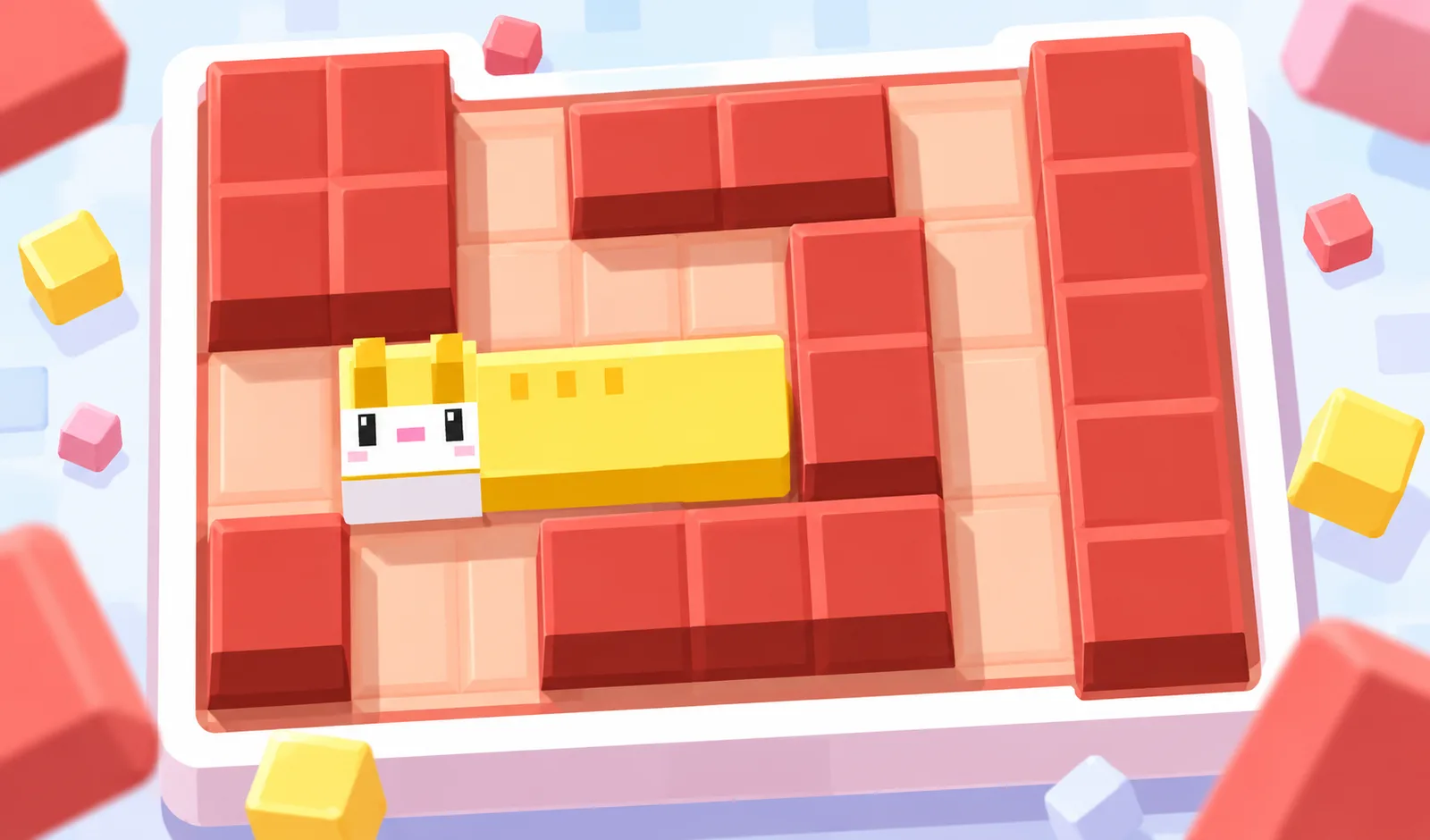

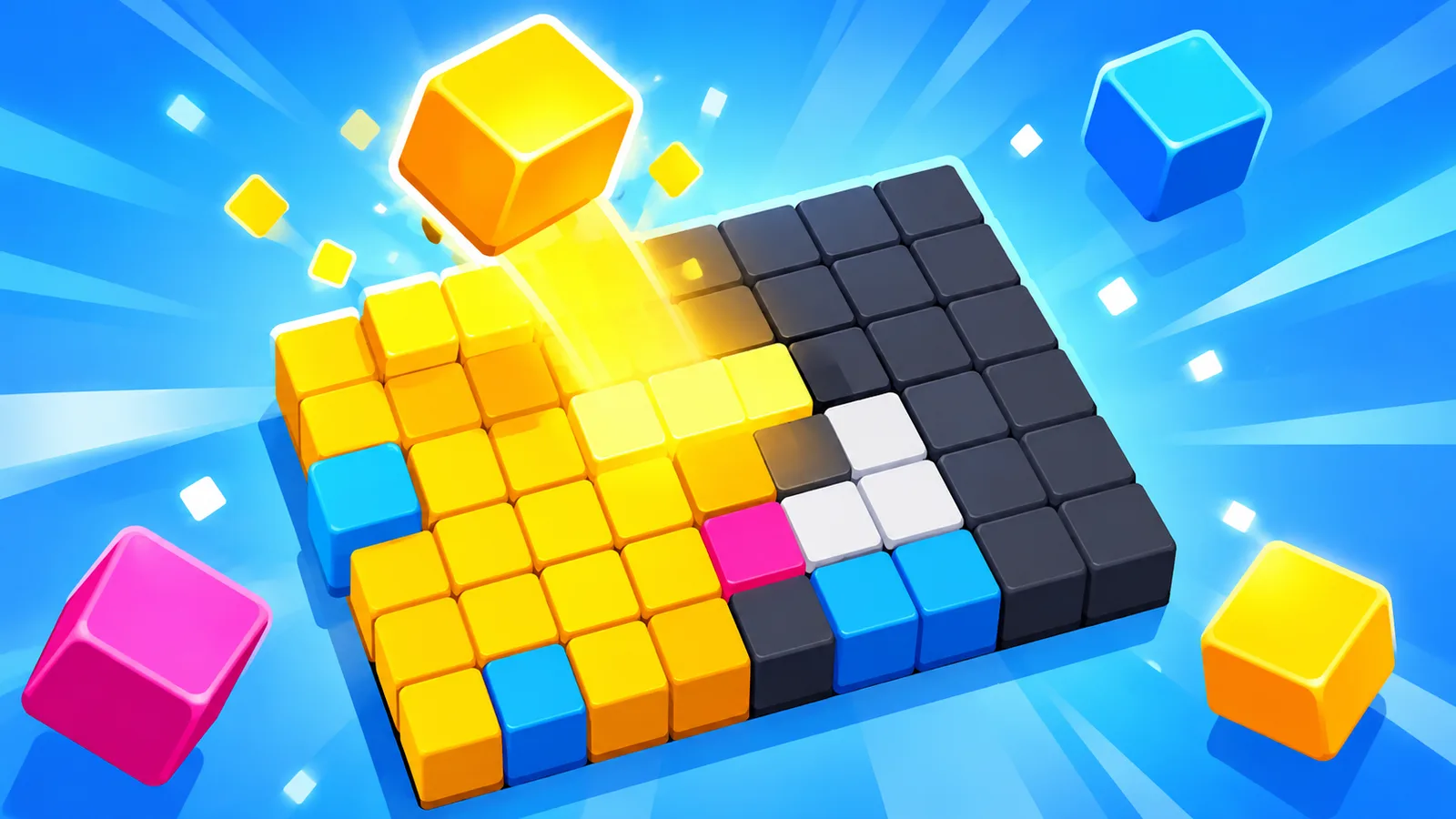
Two games can have the same rules, the same levels and the same art, and one feels flat while the other feels great to play. The difference is usually feedback: how the game responds in the first fraction of a second after the player does something. Developers call it "game feel" or "juice". This post covers the techniques that make the most difference in small browser games, and how to use them without overdoing it.
The rule: every input gets a response
When a player taps, clicks or presses a key, something should visibly change in the same frame or the next one. Even if the action fails, show it. A button that does nothing when it is disabled feels broken. A button that shakes slightly when disabled feels intentional.
Make a list of every player action in your game and write down what the player sees and hears for each one. Gaps in that list are where your game feels flat.
Squash and stretch
Scaling an object briefly when something happens to it is the cheapest juice there is. A character that stretches upward when it jumps and squashes when it lands looks alive. A button that shrinks to 95% when pressed and springs back feels physical.
// on landing
player.scaleX = 1.25; player.scaleY = 0.8;

// every frame, ease back to 1
player.scaleX += (1 - player.scaleX) * 0.2;
player.scaleY += (1 - player.scaleY) * 0.2;
Keep the total area roughly the same: if it gets wider, make it shorter. That is what makes it read as squash rather than random scaling.
Easing instead of linear movement
UI elements that move at a constant speed look mechanical. Panels, popups and score counters should accelerate and decelerate. An "ease out" curve (fast start, slow end) works for things entering the screen. A small overshoot ("back" easing) makes popups feel bouncy.
A common choice is easeOutBack for popups, easeOutCubic for slides and easeInCubic for things leaving the screen. Most tween libraries include these, and they are a few lines of code if you write them yourself.
Screen shake, carefully
Shaking the camera for a moment sells impacts: explosions, heavy hits, a big block landing. Some guidelines:
- Short. 100 to 300 milliseconds is enough.
- Decaying. Start strong and fade out, not constant amplitude.
- Proportional. A small hit gets a tiny shake, a boss explosion gets a big one. If everything shakes, nothing feels big.
- Optional. Some players get dizzy or find it tiring. Add a setting to reduce or turn off shake, and respect
prefers-reduced-motionby default.
let trauma = 0;
function addShake(amount) { trauma = Math.min(1, trauma + amount); }
function applyShake(camera, dt) {
  const s = trauma * trauma;         // squared for a smoother falloff
  camera.offsetX = (Math.random() * 2 - 1) * 12 * s;
  camera.offsetY = (Math.random() * 2 - 1) * 12 * s;
  trauma = Math.max(0, trauma - dt * 2);
}
Hit stop
Freezing the game for a few frames (around 30 to 80 ms) at the moment of a big hit makes it feel heavy. Fighting games use this constantly. In a browser game, you can pause the update step but keep rendering, so the frozen frame stays on screen. Use it only for important hits. Constant hit stop makes the game feel laggy.
Particles
A small burst of particles when something breaks, is collected or is destroyed tells the player "that worked". A few rules keep them helpful:
- Match the color to the object that broke.
- Keep them short-lived, usually under a second.
- Do not cover gameplay. Particles behind or around the action, not on top of the next obstacle.
- Pool them. Particles are the most common source of allocation spikes in games.
Sound
Sound is half of game feel. Some practical tips:
- Every action gets a sound, even quiet ones like menu clicks.
- Vary pitch slightly on repeated sounds (for example ±5%). The same coin sound fifty times in a row becomes annoying. Slightly random pitch keeps it fresh.
- Rising pitch for combos. Each consecutive catch or match plays a little higher. Players feel the streak without reading a number.
- Trim silence at the start of effect files, so the sound lands exactly with the action.
Score and number feedback
When the score goes up, don't just change the number. Show a small "+10" floating up from where it was earned, scale the score counter briefly, and count up over a few frames instead of jumping. The player's eye follows the change from the action to the total.
Haptics on phones
The Vibration API (navigator.vibrate(15)) gives a short buzz on many Android browsers. iOS Safari does not support it. Use very short pulses for important events only, and treat it as a bonus. Your game must feel complete without it. Respect the player's settings and turn vibration off along with sound if they ask for silence.
Anticipation and follow-through
Before a big action, a tiny wind-up helps the player read what is coming: an enemy that pulls back before charging, a cannon that glows before firing. After an action, a little follow-through finishes it: a sword trail, dust when a character stops. These come from animation principles and work even with simple shapes.
When juice hurts
- It hides information. If particles or shake make it hard to see the next obstacle, reduce them.
- It slows the game down. Long win animations are fun the first time and annoying the twentieth. Let players skip them with a tap.
- It costs performance. Effects that drop the frame rate on phones make the game feel worse, not better. Test on a low-end device.
- It replaces design. Juice makes a good mechanic feel great. It cannot fix a boring one.
A one-day juice pass
- List every player action and every important game event.
- Give each one a sound and a visual response.
- Add squash and stretch to the main character and to buttons.
- Add easing to every UI transition.
- Add particles to breaking, collecting and winning.
- Add shake and hit stop only to the biggest moments.
- Add a setting for reduced motion.
- Play on a phone and remove anything that distracts or lags.
Then watch someone new play it. If they smile at the first jump or the first combo, it worked. More practical guides are on the PlayKovo developer blog.