
HTML5 game publishing
Write the Description, Instructions and Controls Players Actually Read
How the short description, full description, instructions and controls fields travel to the game page and partner sites, with before-and-after examples and mistakes to avoid.
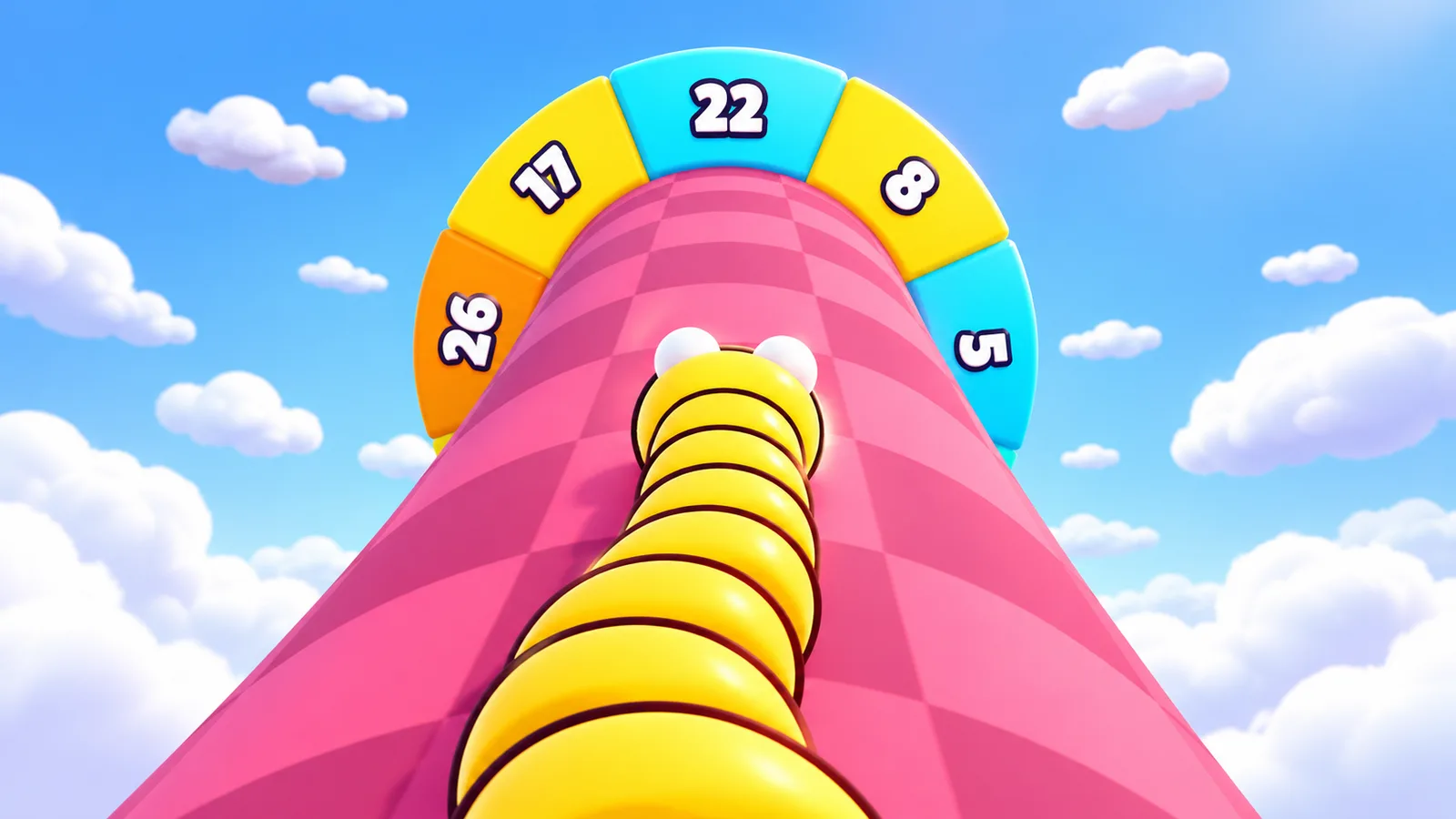
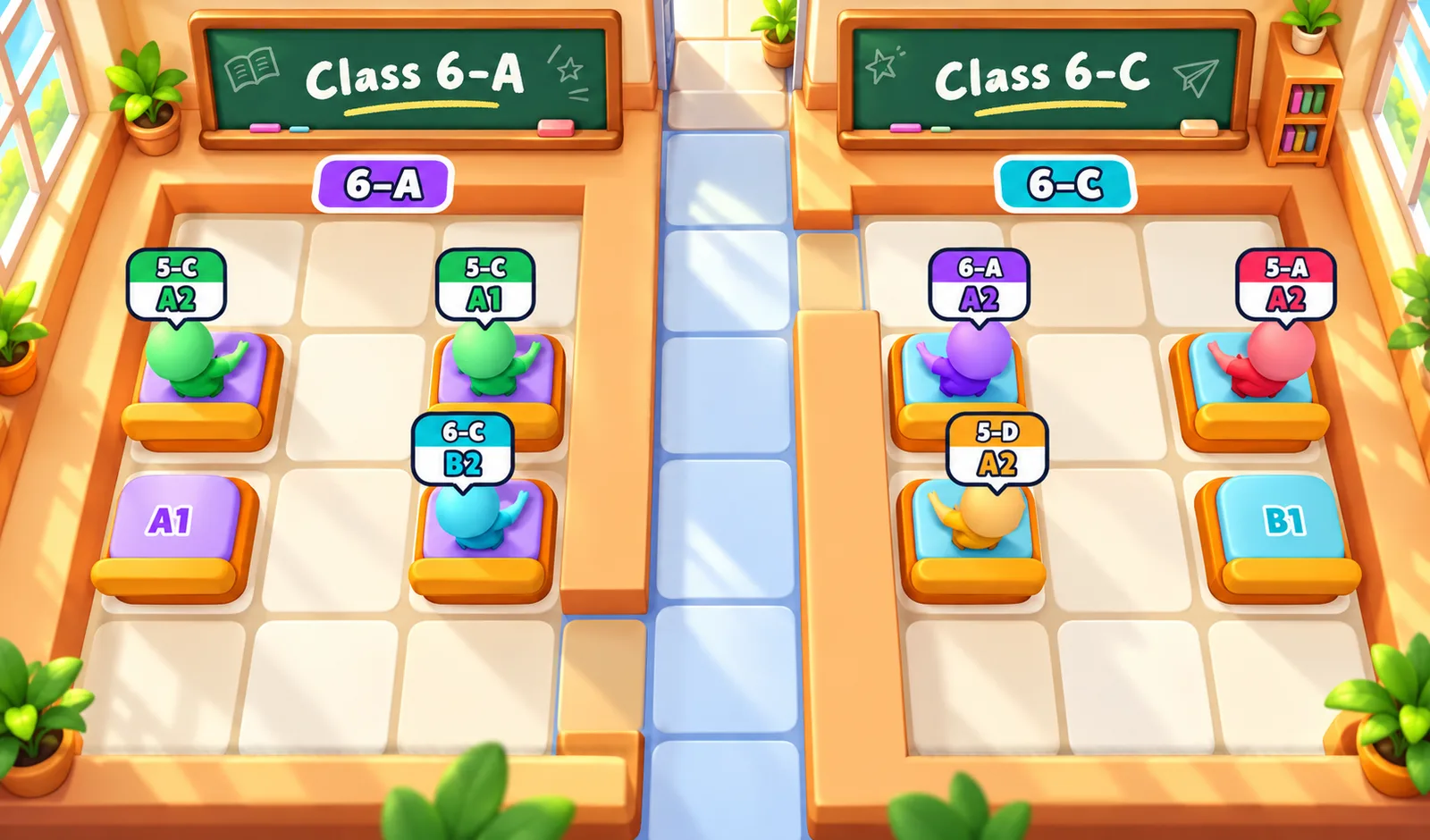
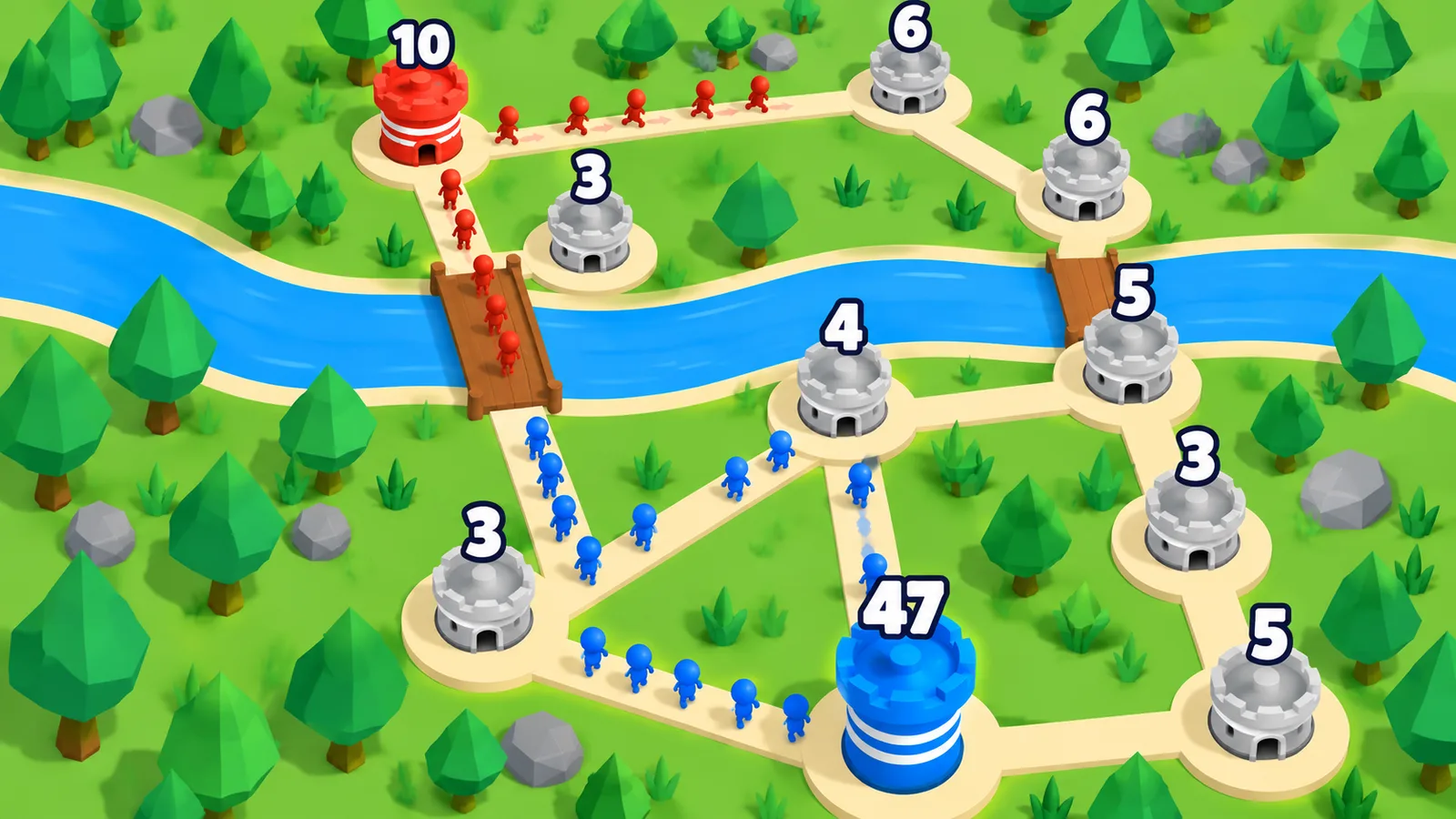
When a PlayKovo game page opens, the player sees your thumbnail, your title and a description, and the game page also carries instructions and controls. The feed that partners use lists these fields explicitly: description, shortDescription, instructions and controls. They are the words that tell a stranger what your game is and how to play. This post is about writing them well.
Where your words end up
The same fields travel a long way. The partner feed documentation describes shortDescription as one or two sentences, good for cards; description as the full description; instructions as how to play; and controls as keyboard, mouse or touch controls. Website owners embed your game and show these fields on their own pages. A sentence you write once can appear on many sites, so a vague or sloppy one is repeated everywhere.
The short description: one idea
You get one or two sentences. Use them to say what the player does and what is special. Compare:
| Weak | Better |
|---|---|
| An exciting and addictive game full of fun! | Drag stacks of colourful hexagons onto a board, merge matching colours and clear ten of a kind. |
| The best racing game online | Race tight kart tracks full of tricky turns and rival drivers. |
| Play now for free | Dig away sand to guide a ball to the goal. |
The better versions start with a verb, name the objects and say nothing a reader cannot check by playing. These examples are close to real descriptions in the PlayKovo catalog, which tend to say what the player does in the first sentence.
The full description: say what happens
- Goal. What the player is trying to do.
- Core loop. What they do again and again.
- Progress. What changes over time: levels, upgrades, unlocks.
- Difference. The one thing a similar game does not have.
Two short paragraphs are plenty. The portal's review checklist asks for a description that "explains gameplay without keyword stuffing"; see the review checklist. A list of search phrases in a row is exactly what that item warns against. Search engines have become good at spotting it, and a human reads it as spam.
Instructions: the first minute
Instructions are for a player who has never seen your game. Write them as steps, in the order they will happen:
- "Tap a stick to pick up the top donuts."
- "Tap another stick to place them. Only the same colour can sit on top."
- "Fill each stick with one colour to clear it."
Keep each step to one action. Do not explain features that appear much later. If the game teaches itself in the first level, the instructions can be short.
Controls: every device you declare
The controls field is where honesty about devices shows. If you declared support for desktop and mobile, write both. The catalog's own entries often do: a line for the keyboard and mouse, and a line for touch. A few good habits:
- Name the keys: "W, A, S, D to move, Space to jump".
- Name the mouse buttons: "left click to shoot, right click to aim".
- For touch, say what the finger does: "tap and drag to steer".
- If the game is desktop-only, say so. See declaring orientation and device support honestly.
Make sure the text matches the game. A controls description that mentions a key your game does not use causes confusion and bad reviews.
Things to avoid
- Claims you cannot support. "Best", "most popular", "number one".
- Names of other games or brands to borrow attention. It can mislead players and create legal trouble.
- Anything that mentions ads, rewards or money in a way that promises more than the game does. Revenue and ads on developer games are not live; see what is live and what isn't.
- ALL CAPS and strings of exclamation marks.
- Copy from another site. Original text is better for the player and safer for you.
Read it as a stranger
Give your text to someone who has not seen the game and ask them to say what they would do first. If they guess wrong, edit. Then compare with a few existing games in the catalog: the best ones tell you the verb in the first sentence.