

Donut Sort: Color Stacking Puzzle
 Hexa Stack 3D
Play next
Game details
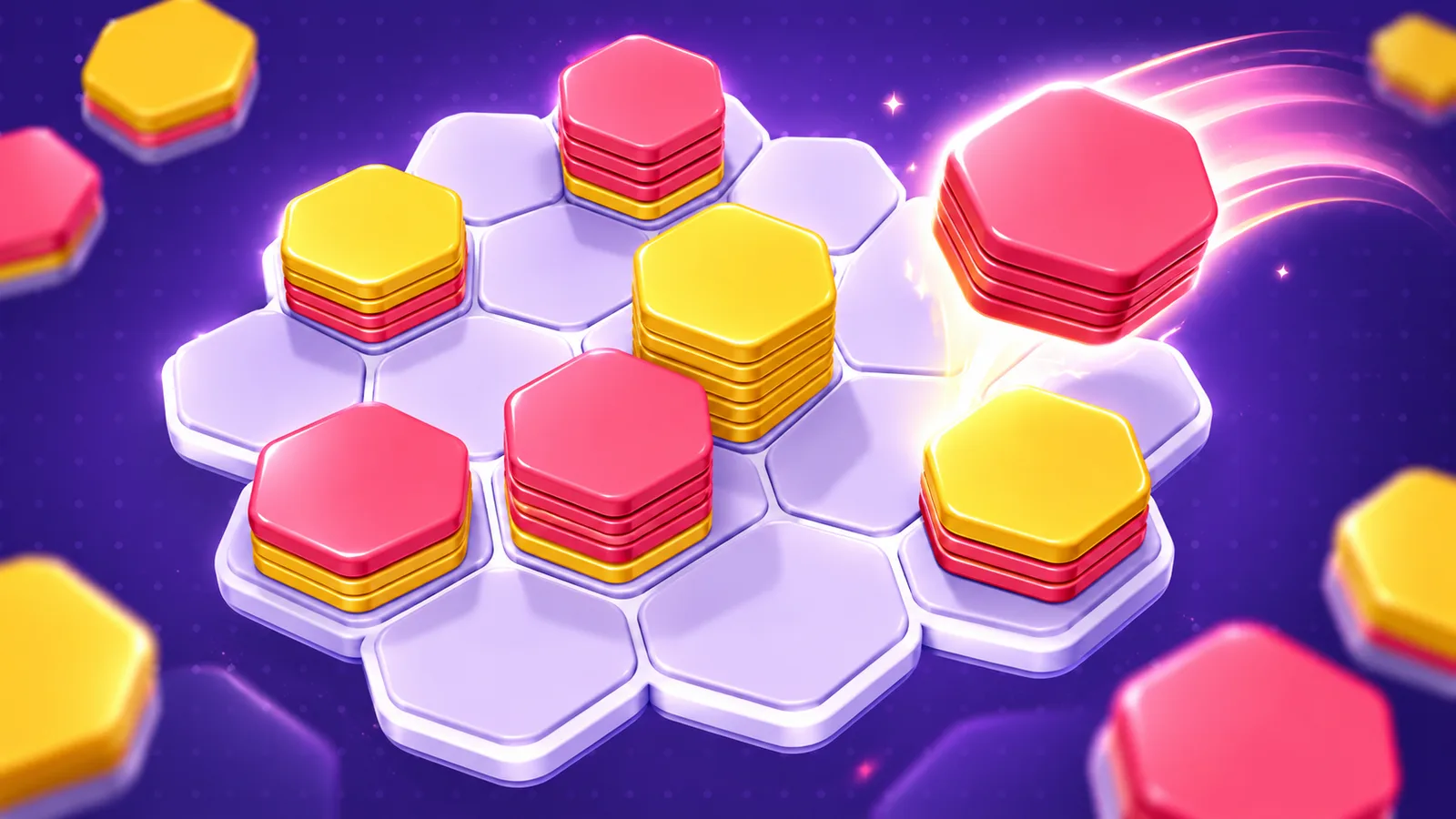
Drag colorful hexagon stacks onto a 3D board, merge matching colors and clear 10 of a kind in this relaxing sorting puzzle.
Developer: TASAKA STUDIO
Hexa Stack 3D is a satisfying hexa sort puzzle played on a 3D hexagon board you can spin around. Drag stacks of colorful hex tiles from your tray onto empty cells. When neighboring stacks share the same top color, the tiles flip over and slide together. Build a stack of 10 tiles of one color and it pops! Chain merges into big combos, unlock locked cells as you collect tiles, and reach each level's goal before the board fills up. Travel through named chapters like Candy Valley, Honey Hills and Ocean Bay, earn up to 3 stars on every level, and open chapter chests for big rewards. Claim daily rewards, spin the Lucky Wheel, use Hammer and Shuffle boosters when you get stuck, and unlock colorful tile themes like Neon, Ocean, Sunset and Jewel.
Drag one of the three stacks from your tray onto an empty cell on the board. Neighboring stacks with the same top color merge automatically. When 10 or more tiles of one color are on top of a stack, they clear and count toward the level goal. Reach the goal to complete the level and earn up to 3 stars; the more free space left on the board, the more stars you get. If the board fills up with no empty cells, the level ends. Use the Hammer to smash a stack or Shuffle to get new tray stacks. Drag an empty area to rotate the board and see every cell.
Mouse: click and drag a stack onto the board, drag empty space to rotate the board. Touch: drag a stack with your finger onto the board, swipe empty space to rotate. Tap the Hammer, then tap a stack to smash it. Tap Shuffle to replace your tray stacks.
You might also like
Liked this one? You'll probably enjoy Donut Sort: Color Stacking Puzzle and Rings and Dot! too.
Yes. You can open the Hexa Stack 3D game page on PlayKovo for free.
No. Hexa Stack 3D opens in the browser, so the PlayKovo game page does not require an installer.
Hexa Stack 3D is listed with both desktop and mobile support. Check the controls section on this page for the inputs available on your device.
Drag one of the three stacks from your tray onto an empty cell on the board. Neighboring stacks with the same top color merge automatically. When 10 or more tiles of one color are on top of a stack, they clear and count toward the level goal. Reach the goal to complete the level and earn up to 3 stars; the more free space left on the board, the more stars you get. If the board fills up with no empty cells, the level ends. Use the Hammer to smash a stack or Shuffle to get new tray stacks. Drag an empty area to rotate the board and see every cell.
Mouse: click and drag a stack onto the board, drag empty space to rotate the board. Touch: drag a stack with your finger onto the board, swipe empty space to rotate. Tap the Hammer, then tap a stack to smash it. Tap Shuffle to replace your tray stacks.
Guide
Choose a letter puzzle or a sliding number board, with practical first-session advice for two PlayKovo games that reward thinking ahead.
Not every puzzle genre trains the same skill. Here's what each type does, plus the games worth adding to a daily mental warmup.
Keep exploring
 Top
TopGo Kart Racing Game
Obby: Battle Arena
 Featured
Warbirds.io
 Featured
imposter Duck : Online
Sprunki World Online RP - Play with Friends!
 Featured
Just Blow UP
 Featured
Underrun
Kendel 7 Days 7 Styles
 Featured
Toy Box Challenge
Tap 3D Wood Block Away
 Featured
LOLShot.io
Color Brawls
 Featured
Sumo.io - Push Them Off
 Featured
Wriggle.io
We use optional cookies for site analytics and site advertising. You can change your choice later. Privacy policy.