
Dead Paradise
 Q1K3
Q1K3Play next
Dead Paradise
MOXstrike

Crewmate Rush Space Escape Run
Giant Attack
Sticky Carnage
Stealth Shooter
Fire and Frost Master
Bodycam Shooter
Dogfight
Slope 3D
Mad Day 2 Special
Ragdoll Gun Shooter! Cannon Spinner Playground
ShortcutRun
Stealth Master 3D Game
Epic Runner Parkour Game

Winter Clash 3D
Warbirds.io

Cube Rush: Merge 2048
Game details
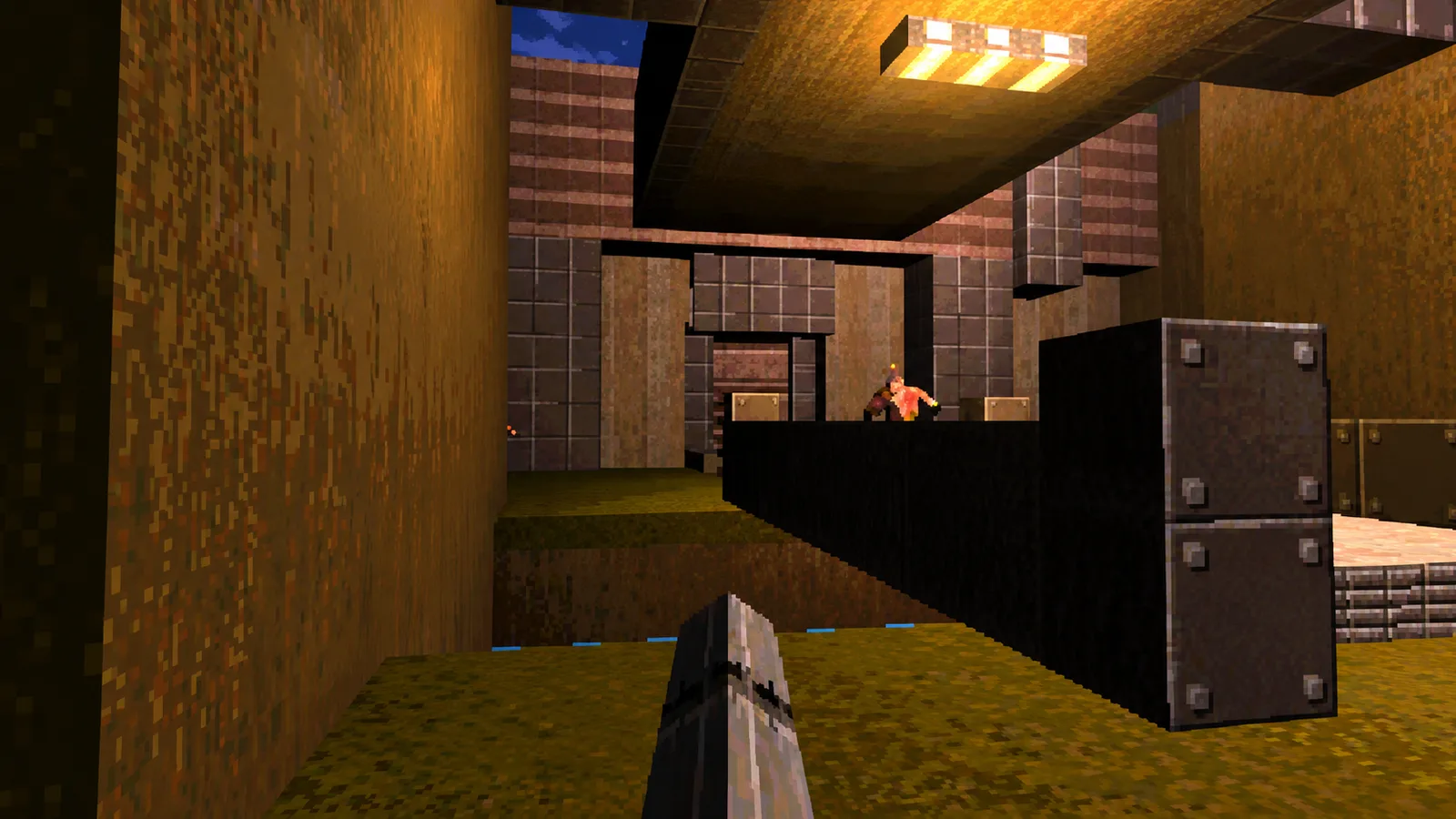
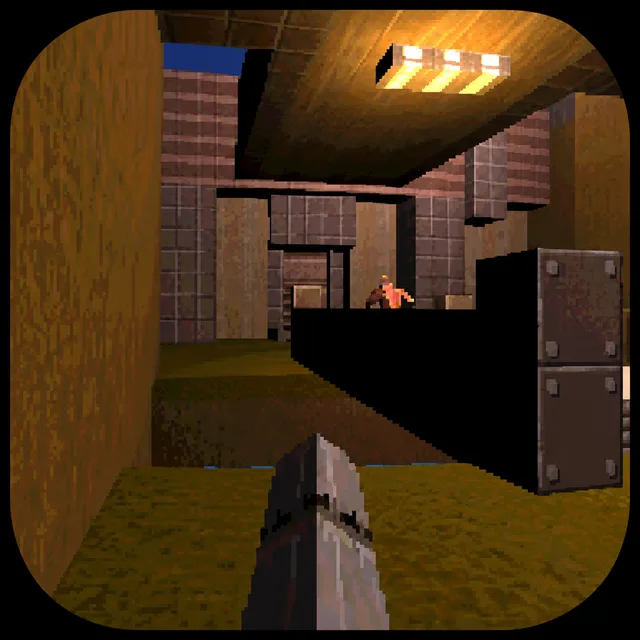
A full 3D first-person shooter squeezed into 13 kilobytes: fight through two Quake-inspired levels against five enemy types with three weapons, dynamic lighting, and doors.
Q1K3 is a complete first-person shooter built in the spirit of classic Quake, remarkably packed into a tiny footprint for the js13kGames competition. Fight your way through two levels built with real level-design tools, facing five distinct enemy types with genuine line-of-sight AI that will hunt you down without needing pathfinding. Three weapons, dynamic lighting, working doors, and spatial audio (with stereo separation and distance falloff) give the whole thing a surprisingly authentic old-school FPS feel. Collision detection holds up even against fast-moving projectiles, and the soundtrack is an original composition rather than a stock loop. It's a genuine technical showcase as much as a game: proof of how much real 3D shooter can fit in almost nothing.
Click the title screen to start (this also locks your mouse cursor for aiming). Move through the level, shoot enemies before they reach you, and pick up weapons, ammo, and health as you find them. Find the level exit to progress to the next stage.
Move: WASD or Arrow keys. Aim: mouse. Attack: left mouse button. Jump: Space or right mouse button. Switch weapon: Q/E or mouse wheel.
You might also like
Liked this one? You'll probably enjoy Dead Paradise and MOXstrike too.
Yes. You can open the Q1K3 game page on PlayKovo for free.
No. Q1K3 opens in the browser, so the PlayKovo game page does not require an installer.
Q1K3 is listed for desktop devices; check the controls section on this page for its keyboard and mouse inputs.
Click the title screen to start (this also locks your mouse cursor for aiming). Move through the level, shoot enemies before they reach you, and pick up weapons, ammo, and health as you find them. Find the level exit to progress to the next stage.
Move: WASD or Arrow keys. Aim: mouse. Attack: left mouse button. Jump: Space or right mouse button. Switch weapon: Q/E or mouse wheel.
Guide
Endless waves, limited ammo, one more push. Here's what delivers real pressure, and how to actually survive longer.
Tank campaigns, a base-defense battle, a combat drone and an anti-aircraft turret. Eight war-themed browser games, what each one asks you to do and how it controls.
Keep exploring
We use optional cookies for site analytics and site advertising. You can change your choice later. Privacy policy.