
Sky Hop
 Stick Bridge
Play next
Game details
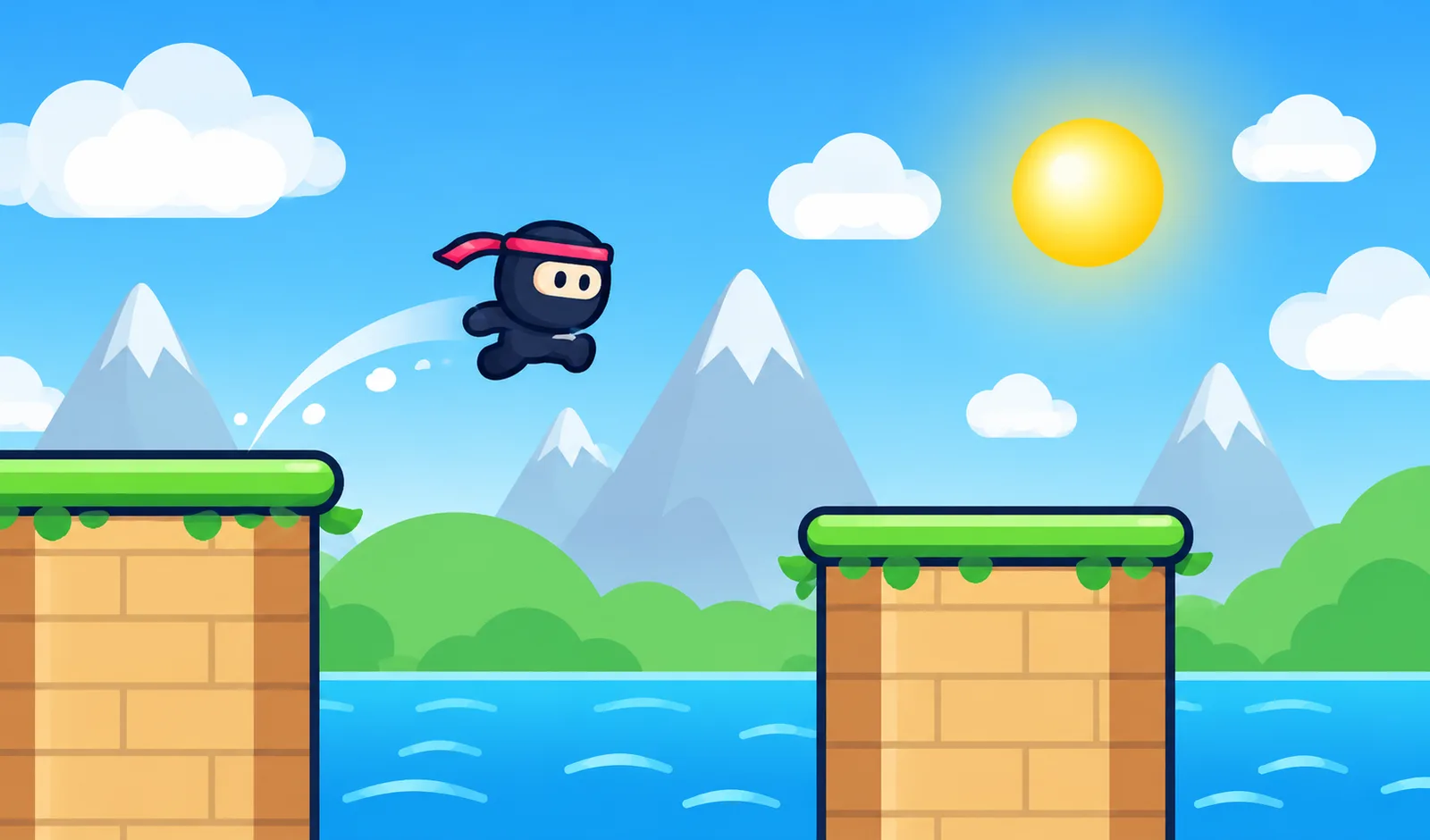
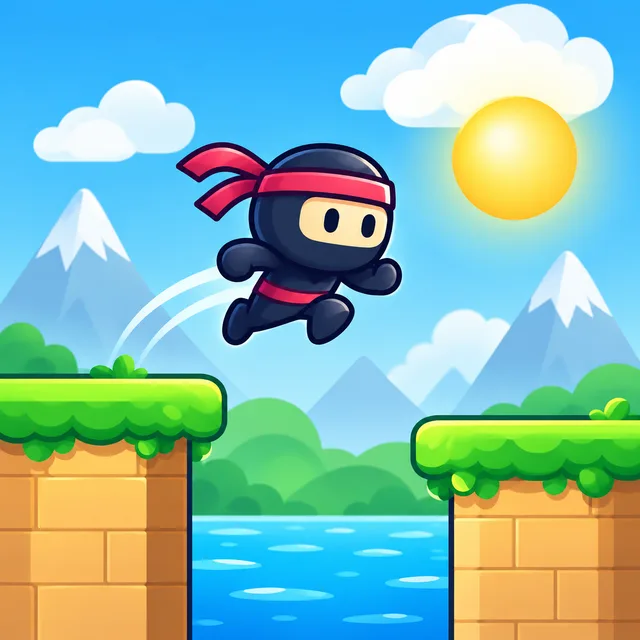
Hold to grow the stick, release to drop it and cross the gap. Land on the red center for Perfect combos. Collect coins and unlock 9 ninja skins.
Developer: PLAYKOVO
Stick Bridge is a one-tap timing game. Your ninja stands on a pillar and the next pillar waits across a gap. Hold to grow a stick, then release it to drop the stick down as a bridge. If the stick is too short or too long, the ninja falls into the sea. Each pillar in the middle has a small red spot. If the end of your stick lands on it, you get a Perfect, which is worth bonus points. Land Perfects in a row to build a combo, and every combo step adds more points. Coins float above some gaps. Cross the stick to collect them. The scenery changes every 10 points: Meadow, Sunset, Candy, Night and Snow. Pillars get narrower and gaps get harder to judge as your score grows. Use your coins to unlock 9 ninja skins, including Froggy, Angel, Devil and King. Your best score and coins are saved.
Hold to grow the stick. Release to drop it across the gap. If the stick reaches the next pillar, your ninja walks over and you score a point. Too short or too long and the ninja falls. Land the stick's end on the red spot in the middle of the pillar for a Perfect and bonus points. Perfects in a row build a combo. Walk over floating coins to collect them and spend them on new skins.
Mouse: hold the left button to grow the stick, release to drop it. Touch: hold your finger on the screen to grow the stick, lift to drop it. Keyboard: hold Space or the Up Arrow to grow the stick, release to drop it.
You might also like
Liked this one? You'll probably enjoy Sky Hop and Knife Climb Tower too.
Yes. You can open the Stick Bridge game page on PlayKovo for free.
No. Stick Bridge opens in the browser, so the PlayKovo game page does not require an installer.
Stick Bridge is listed with both desktop and mobile support. Check the controls section on this page for the inputs available on your device.
Hold to grow the stick. Release to drop it across the gap. If the stick reaches the next pillar, your ninja walks over and you score a point. Too short or too long and the ninja falls. Land the stick's end on the red spot in the middle of the pillar for a Perfect and bonus points. Perfects in a row build a combo. Walk over floating coins to collect them and spend them on new skins.
Mouse: hold the left button to grow the stick, release to drop it. Touch: hold your finger on the screen to grow the stick, lift to drop it. Keyboard: hold Space or the Up Arrow to grow the stick, release to drop it.
Guide
No tutorial to sit through, no run to lose progress on — just open a tab and play. Here's what actually holds up past the first five minutes.
No violence to screen for, no chat with strangers, no surprise purchase prompts — here's what's genuinely fine to hand over.
Keep exploring
 Top
TopGo Kart Racing Game
Obby: Battle Arena
 Featured
Warbirds.io
 Featured
imposter Duck : Online
Sprunki World Online RP - Play with Friends!
 Featured
Underrun
 Featured
Toy Box Challenge
Tap 3D Wood Block Away
 Featured
Crowd Rush 3D
 Featured
LOLShot.io
 Featured
Muscle Run
Color Brawls
 Featured
Wriggle.io
 Featured
FisherTube
We use optional cookies for site analytics and site advertising. You can change your choice later. Privacy policy.