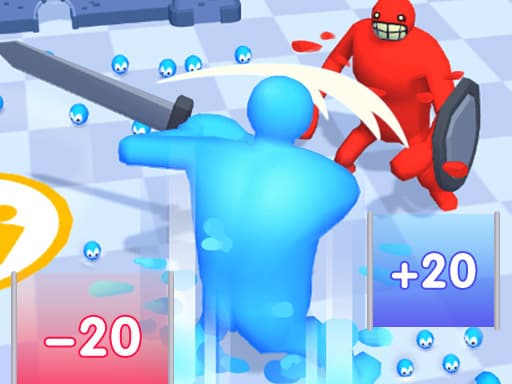
Crowd Rush 3D
Play next
August 24, 2026 · 5 min read
A starting shortlist and a practical review of controls, content, communication and purchase prompts before a child plays.
Finding a game to hand a kid usually means checking for three things: no violence or scary content, no chat with strangers, and no surprise purchase prompts mid-session. Browser games make the checking part easier than an app store ever does — no account to create, no in-app store to navigate around, just a page you can look at yourself before handing over the tablet.
Cartoon visuals are not an age rating. Check the actual game, its menus, any communication features and prompts before deciding it suits your child. These picks are starting points to review together, not a guarantee that every build or third-party message is appropriate.
Start with these
Sandy Balls
Dig away the sand, clear a path and guide the ball to the goal in this satisfying physics puzzle.
Play →
Popcorn Stack
Stack popcorn boxes, fill them with tasty toppings, and decorate them in this fun, satisfying stacking game.
Play →
Jelly Runner 3D
Grow your jelly runner bigger by dodging obstacles and collecting numbers before the final boss showdown.
Play →There is no single age recommendation for this collection. Reading demands, content and comfort with controls vary by game and child. Check a complete round together rather than relying only on the preview artwork.
Looking for something with a bit more style and creativity once screen time is more supervised? The dress-up and makeover guide covers another genre built for a young audience, with a bit more room to get creative.
Related guides
We counted the controls descriptions of 814 published games: how many use WASD, arrows, touch and drag, which keys mean the same thing everywhere, and why Esc behaves oddly.
casualAn honest look at why free browser games have ads, the three kinds you will meet, and practical ways to make the experience less annoying.
casualFree to pay, free to install and free to join are three different things. What browser games cost instead of money, and a quick check before you commit to one.
We use optional cookies for site analytics and site advertising. You can change your choice later. Privacy policy.