Crowd Rush 3D
Siradaki oyun
20 Kasım 2026 · 4 min read
We counted the controls descriptions of 814 published games: how many use WASD, arrows, touch and drag, which keys mean the same thing everywhere, and why Esc behaves oddly.
Every browser game on PlayKovo has a controls line written by the person who made it. Put those lines side by side and you get an unusually honest picture of how browser games are actually controlled, free of what people assume. We went through the published catalog in mid-November 2026, 814 games, 806 of which have a controls description, and counted. The numbers are rough, since they come from free-form text and a regular expression, so treat them as a good approximation rather than a census. Still, some of the results are surprising, and they answer practical questions: do I need a keyboard, will my phone work, and why does the Esc key do odd things?
Out of the 806 games with a controls description:
On the device side, 760 of the 814 published games are marked as working on all devices, 53 are desktop only, and one is mobile only. By orientation, 553 are landscape, 178 are portrait and 83 work either way. In practice that means the typical browser game is a landscape game you can play with a mouse or a thumb. If you are on a phone, you are not stuck with a narrow selection.
Escape the Monster
adventure

Elli karanlık labirent katında koş ve seni yakalamadan önce dört farklı canavarın yanından sıyrıl.
Şimdi oynaThe keyboard split is closer than you might expect. Of the games with a controls line:
So roughly one game in five lets you choose, and the others commit to one scheme. If you are left-handed or on a small laptop, the "both" games are worth looking for, and the arrow-only games are the easier ones to play with the right hand on the keys and the left on the mouse. One regional footnote: Escape the Monster explicitly supports ZQSD for AZERTY keyboards, which is a good sign the developer thought about French layouts.
Tractor Farming Farmer Life Game
simulation
Gerçek traktörler sür ve çiftçi hayatını yaşa: mısır, pamuk, buğday ve balkabağı için sür, ek, sula ve hasat et.
Şimdi oynaDrive Quest
racing
Açık dünyayı keşfet, 35 arabayı özelleştir ve sınırsız serbest sürüş maceralarının tadını çıkar.
Şimdi oynaArena: Online Shooter
shooting
Kumlu köylerde, şehirlerde ve inşaat sahalarında takım savaşı, bayrak ele geçirme ve herkes herkese modları.
Şimdi oynaBrowser games borrow conventions from desktop shooters and platformers, and they are surprisingly consistent. From the games that spell the action out:
Number keys are for weapons: 22 games use 1-2-3-style slots or 1 to 7 to switch weapons, as in Bank Robbery 2. Gamepads are rare: only about seven games mention a gamepad or controller. HexGL and Turbo Kart Rush are two that do.

Turf.io - Claim the Land
io
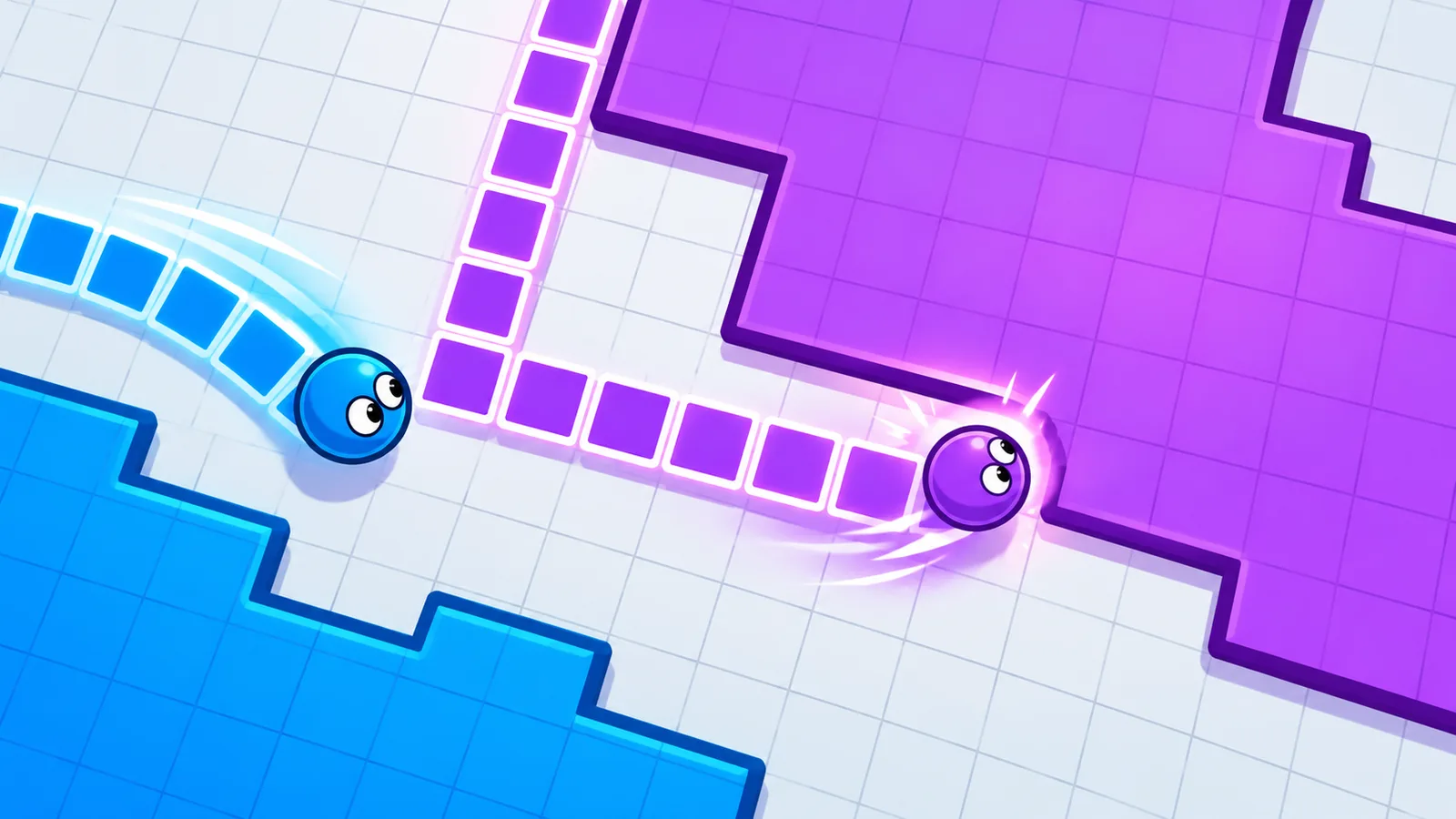
Bu hızlı ve bağımlılık yapan toprak .io oyununda bir döngü çiz, kapat ve içindeki toprağı ele geçir. Rakiplerinin izlerini keserek onları ele, ama seninkini kesmelerine asla izin verme! Arazini büyüt ve sıralamada yüksel.
Şimdi oyna

Sumo.io - Push Them Off
io
Bu hızlı ve komik .io kavga oyununda rakiplerini küçülen bir sumo platformundan it. Çarp, atıl ve ayakta kalan son dövüşçü olmak için kalabalığı alt et, sonra jetonlarını şapkalara ve kemerlere harca.
Şimdi oyna
Land Grab 3D
io
Toprağından çık, bir iz çiz ve toprak ele geçirmek için geri dön, ama rakiplerin izini kesmesine izin verme!
Şimdi oynaEsc is the most inconsistent key in the whole set, and it is worth knowing why. In a browser, Esc leaves fullscreen and releases a captured mouse. A game that uses the mouse to look around, like most shooters, asks the browser for pointer lock, and pressing Esc gives your cursor back. Some games then show a menu; some do nothing.
Games also disagree on what Esc does to the action:
If a shooter seems to stop responding to your mouse, you probably released pointer lock. Click inside the game window to take the mouse back, and if the browser asks permission, allow it. Browsers usually require an actual click for this, so a key press alone will not do it.
The controls line sits at the top of every game page. Read it before you press Play. It takes five seconds and is the cheapest way to avoid a bad first minute. For more on setup, see our guide to playing browser games on your phone.
Alakalı rehberler
An honest look at why free browser games have ads, the three kinds you will meet, and practical ways to make the experience less annoying.
casualFree to pay, free to install and free to join are three different things. What browser games cost instead of money, and a quick check before you commit to one.
casualA small, checked selection of holiday browser games: a tree-decorating game, a Santa team shooter, a snowy stunt-bike series and a frozen military shooter.
Site analizi ve site reklamları için isteğe bağlı çerezler kullanıyoruz. Tercihini daha sonra değiştirebilirsin. Gizlilik politikası.