
HTML5 game publishing
How to Test an HTML5 IO Game Before Submitting It to a Portal
Release tests that catch problems a working preview tab misses, including a two-finger input test and a useful bug-report format.
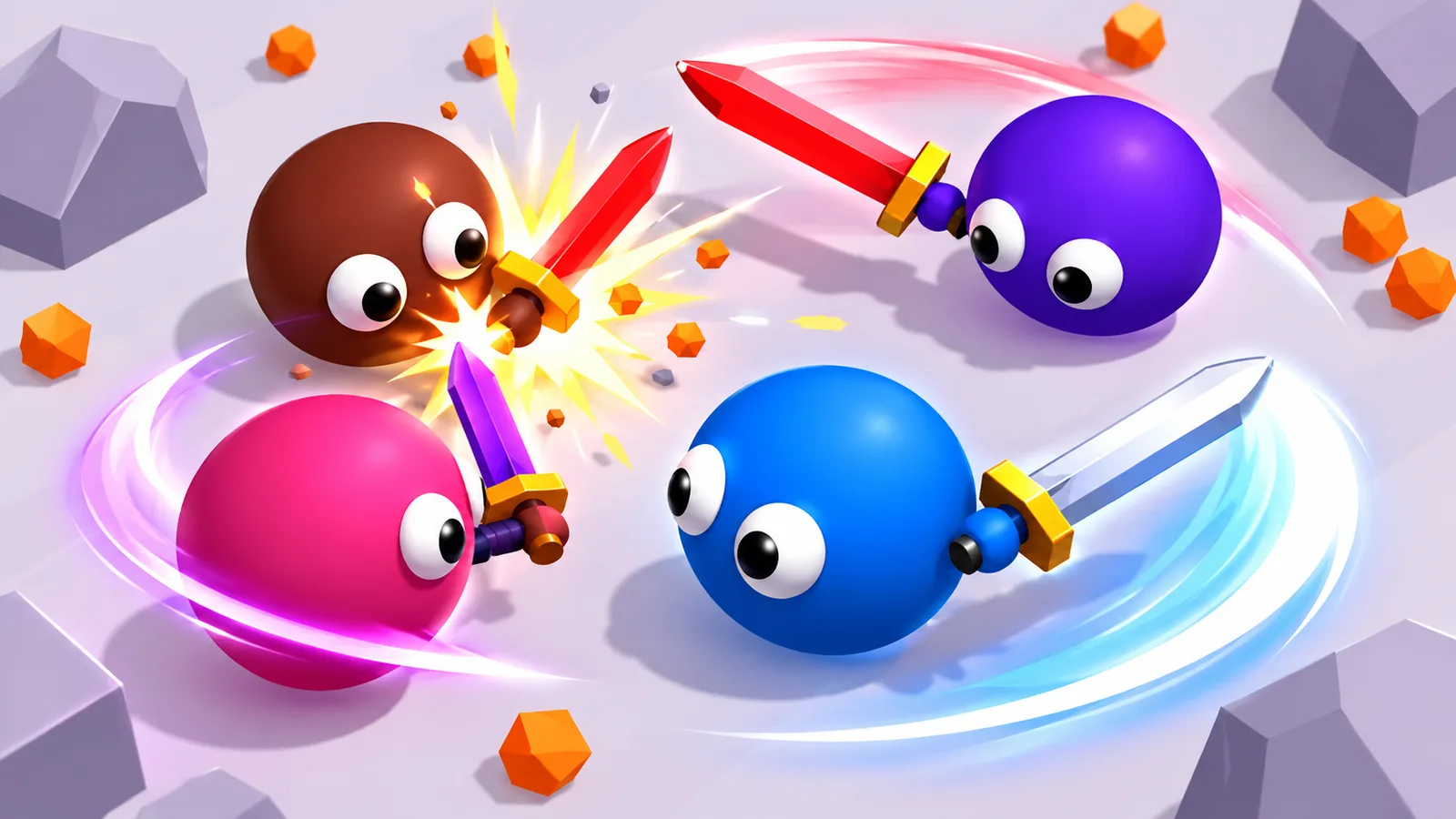

The character moves in your engine preview. That still leaves several ways for the submitted build to fail: a missing asset, a second touch stealing the joystick, a stuck movement key after changing tabs or a restart that doubles the music. Run these tests against the exact build URL or ZIP you intend to submit.
Record the build before testing
Begin with a small release record: build identifier, supported devices, orientation, input methods and opponent type. An IO-style arena can use bots, human opponents or both. A leaderboard and player-like names do not establish networked multiplayer. For example, Wriggle.io explicitly describes bots filling its arena, while Flail.io lists AI opponents. Describe that distinction just as clearly in your own submission.
Test a fresh load and a repeat visit
Open the build in a fresh browser session and record the time until a player can control the character, not just until the canvas appears. Repeat the visit with cached assets. If the first load fails, record the URL and the first failed asset request before changing the build. A useful error report includes the device, browser, build and action that preceded the failure. It should not require the reviewer to guess whether a blank screen is loading or broken.
- Load the exact submitted build URL or ZIP output, not the engine's development preview.
- Check that the loading screen is readable and that the first playable frame has working input.
- Try a failed or interrupted asset request and confirm that recovery or an error message is understandable.
- Restart several rounds and check for duplicated music, input handlers or menus.
- Keep a short result for each test: passed, failed or not supported.
Separate movement from action testing
Put one finger on the movement joystick and a second on the action control. Release the action finger first, then repeat with the movement finger released first. Movement should not jump to the other finger, and releasing an action must not leave it held down. Sumo.io provides a straightforward example: steering and dash need to work together. Archer Arena adds aiming and release-to-shoot. Write the expected behavior for your own inputs before testing.
Specify what happens when attention moves away
Hold a movement key, switch to another tab, release the key there and return. Repeat while holding a pointer or touch action. If the character keeps moving or the bow remains drawn, check how focus loss clears your input state. Also open and close the menu during a round. Decide whether it pauses the simulation and make the control description agree. The browser’s Page Visibility API reports visibility changes; test the return path as well as the moment the tab becomes hidden.
Restart, then repeat the same inputs
Lose or finish a round, restart and repeat the same input sequence. Listen for doubled music and watch for duplicated actions. Then return to the menu and start again. Problems that appear only after the second or third round can point to state, listeners or audio that survive a restart. Record the first round where the behavior changes.
A bug report someone else can reproduce
- Build: the exact version and playable URL.
- Environment: device model, browser version and orientation.
- Steps: hold the joystick, press dash with a second finger, release dash, then release movement.
- Expected: movement stops when the movement finger is released.
- Actual: describe what continued, stopped or changed; attach a short recording if useful.
- Frequency: every attempt, only after restart, or another observed pattern.
Submit a reproducible package
Finish with the playable build, a matching thumbnail, precise controls and a brief list of known limitations. Record whether saving is local, account-based or absent. Check the current PlayKovo submission rules before uploading; format, rights and review requirements belong there. Clear evidence makes review easier than claims such as works everywhere or fully optimized without a device list.