
HTML5 game publishing
How to Write an HTML5 Game Description and Controls for a Portal
A worked Turf.io example showing how to describe the core loop, loss condition, controls, multiplayer status, and save behavior.


“An addictive game with exciting challenges” could describe almost anything in a portal. It leaves the player guessing what appears on screen and which action matters. Start with the rule that makes your game work. For Turf.io, that rule is closing a territory loop before someone cuts the trail.
Start with an action and its consequence
Compare collect things and get stronger with a concrete description of Gulp.io: move a hole over objects smaller than it, swallow them to grow and avoid holes large enough to swallow you. The second version explains what the player acts on, why that action matters and what threatens the run. Use this pattern for your own mechanic instead of borrowing the wording or features of another game.
Give each field a separate job
- Short description: identify the mechanic and the reason to try this particular game.
- Description: explain the loop, important rules and verified modes or progression.
- Instructions: describe the first actions a new player should take and how a run or level ends.
- Controls: list exact inputs separately for desktop and touch, including an important menu or pause behavior.
- Device information: state the configurations you support; a responsive outer page does not create touch controls inside a game.
Use one precise example instead of five adjectives
Here is a description based on Turf.io: “Leave your territory to draw a trail, then reconnect with your land to claim the area inside. A rival crossing your exposed trail ends the run. Short loops reduce the time you are vulnerable; larger loops put more land within reach.” That gives the player an action, reward and loss condition. For Cream 2048, the essential constraint is different: a directional move slides all tiles, not just the pair you want to merge.
Write controls as actions, not device names
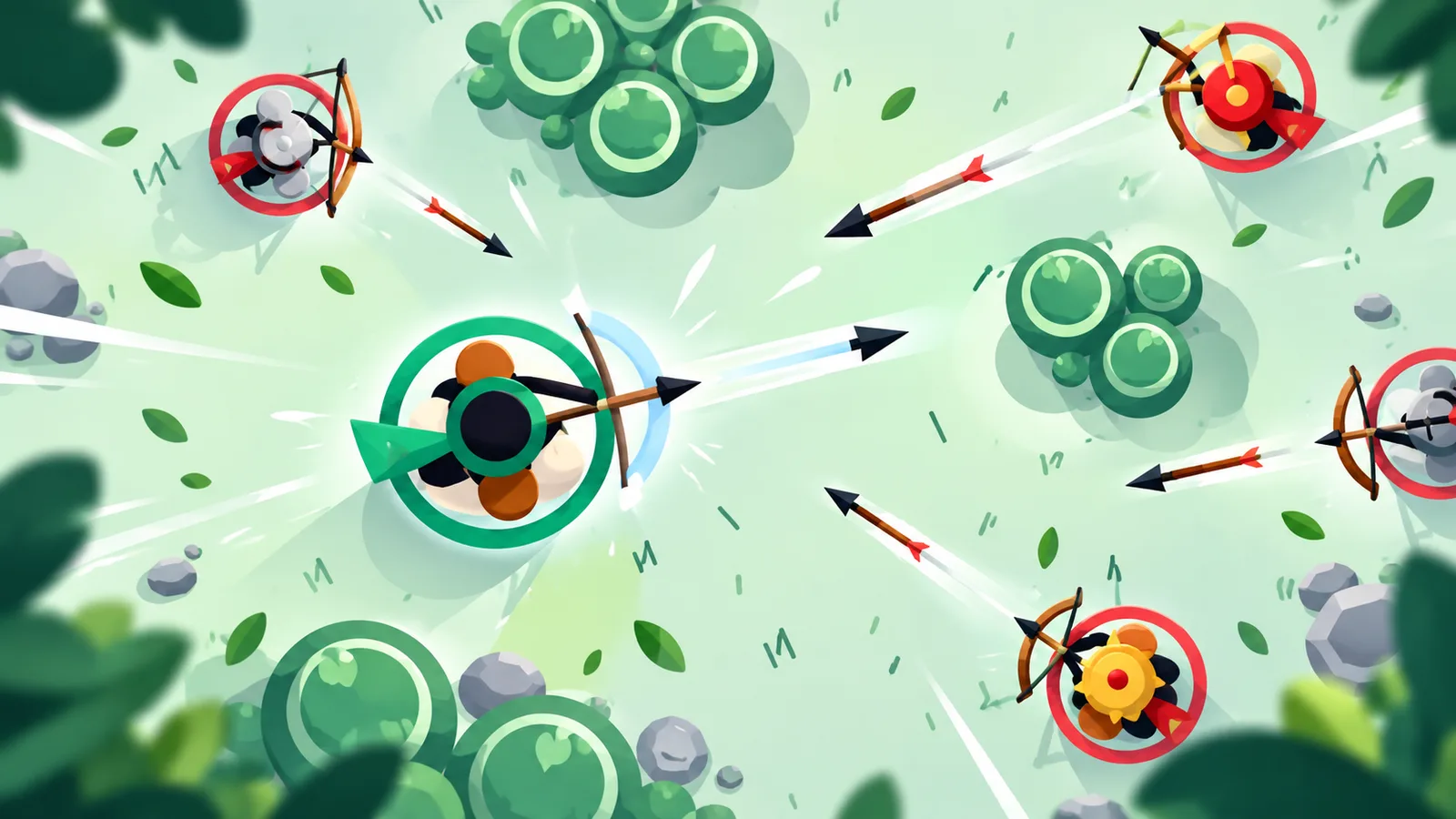
“Mouse and keyboard” does not tell a player whether to click, drag, hold or release. Archer Arena needs the distinction: hold the left mouse button to draw the bow and release it to shoot. “Click to shoot” omits that draw-and-release behavior. On touch, its right joystick aims, and releasing shoots. Give that its own mobile instruction. If Esc opens a menu while the arena keeps running, say so beside the key binding.
Keep claims attached to evidence
Write multiplayer only when the relevant mode connects players, and explain bots when they are part of the experience. State new levels unlock only if that progression exists. If the game saves, identify what is saved and whether the save belongs to a browser or an account. A page template cannot infer these facts from an Action, Puzzle or IO category. Keep an internal note of the build and screen used to check each feature so later updates do not leave the page behind.
Use search phrases as questions to answer
A specific phrase such as browser worm game with boost is useful only if the page explains the boost: its input, benefit and cost. Repeating the phrase in every paragraph does not help the player. Choose a title that identifies the game, use a clear summary, and put the detailed answer where a visitor expects it. Avoid adding unrelated categories just because their names appear inside another word.
Review the public copy after each release
Open the final page and read it as a new player. Remove notes addressed to an editor, confirm that controls are still correct and check that screenshots belong to the current build. Translate mechanics and controls together so a localized page does not pair a new description with old instructions. Before submitting to PlayKovo, compare the build and its page with the submission rules; accurate copy supports review but does not replace rights or technical checks.