
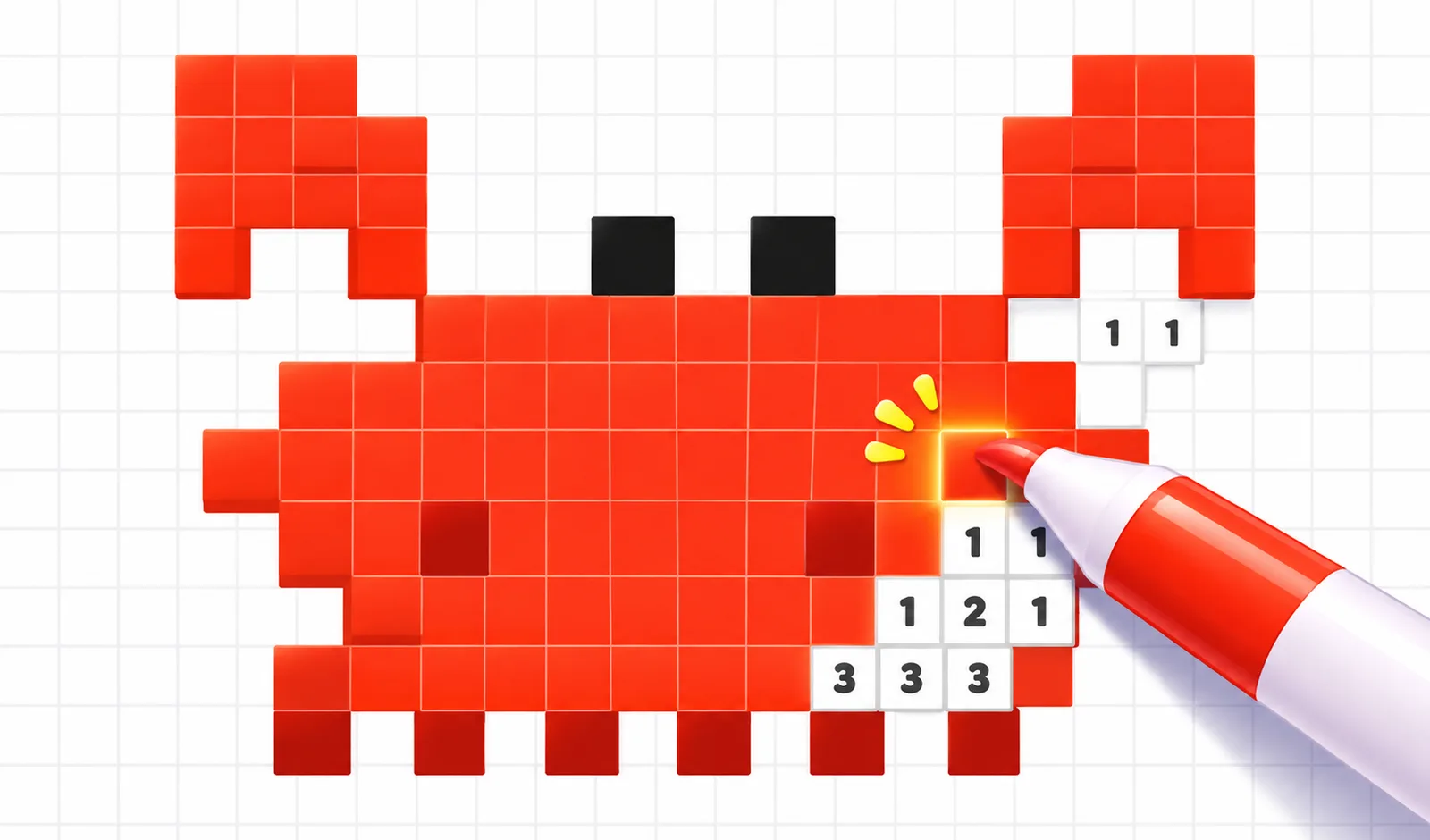
Mix & Paint 3D
 Pixel Paint
puzzle
Play next
More games
TOP
Brain Coloring Puzzle

LongCat

Cube Slide Merge
Hexa Go

Class Seat Jam

Hexa Stack 3D

Arrow Blocks: Tap Away Block

Arrow Escape: Tap Away Arrows Puzzle

Donut Sort: Color Stacking Puzzle

Arrow Escape

Sandy Balls
Water Sort: Fill & Pack
Super Line Go: Escape
Escape from Chunga Changa
Hexa Spin

Pet Merge
Diamond Gallery: Color by Number
Game details
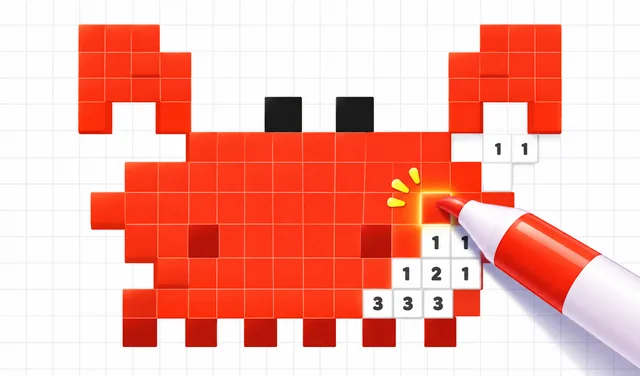
Pixel Paint
PlayKovo OriginalNewPaint pixel art by numbers! Pick a color, drag over matching pixels and reveal 60 cute pictures. Relaxing, satisfying and free to play.
Developer: PlayKovo
Play Pixel Paint Online for Free
Pixel Paint is a relaxing color-by-number game where every pixel hides a number. Pick the matching color, drag your finger across the grid and watch a gray canvas turn into a cute pixel picture. Start with a simple heart and work your way through 60 hand-made pictures: fruits, animals, sweets, flowers, vehicles and more. Zoom in to reach tiny pixels, zoom out to admire your work, and enjoy the satisfying pop of every painted pixel. Features: 60 hand-made pixel pictures, with more on the way Easy one-finger painting, no timers and no pressure Pinch to zoom and drag to move around the canvas FIND hint that points you to the next pixel AUTO fill: a helping hand paints a whole color for you Collect coins and spend them in the shop Relaxing music and a satisfying win animation Your progress is saved automatically Perfect for a quick break or a long chill session. Can you finish them all?
How to play
Pick a color from the palette at the bottom. Each color has a number. Find the pixels with the same number on the canvas. Touch and drag over them to paint. Finish all the colors to complete the picture and collect coins. Stuck? Use FIND to locate a pixel, or AUTO to paint a whole color.
Controls
Mobile: Touch and drag to paint. Two-finger pinch to zoom. Drag on empty or wrong pixels to move the canvas. PC: Click and drag to paint. Mouse wheel to zoom. Drag on a wrong pixel to move the canvas. Buttons: The fit button resets the zoom, FIND shows the next pixel, AUTO paints the selected color, and the pause button opens the menu.
You might also like
Liked this one? You'll probably enjoy Mix & Paint 3D and Brain Coloring Puzzle too.
Frequently asked questions
Is Pixel Paint free to play?+
Yes. You can open the Pixel Paint game page on PlayKovo for free.
Do I need to download Pixel Paint?+
No. Pixel Paint opens in the browser, so the PlayKovo game page does not require an installer.
Which devices support Pixel Paint?+
Pixel Paint is listed with both desktop and mobile support. Check the controls section on this page for the inputs available on your device.
How do I play Pixel Paint?+
Pick a color from the palette at the bottom. Each color has a number. Find the pixels with the same number on the canvas. Touch and drag over them to paint. Finish all the colors to complete the picture and collect coins. Stuck? Use FIND to locate a pixel, or AUTO to paint a whole color.
What are the controls for Pixel Paint?+
Mobile: Touch and drag to paint. Two-finger pinch to zoom. Drag on empty or wrong pixels to move the canvas. PC: Click and drag to paint. Mouse wheel to zoom. Drag on a wrong pixel to move the canvas. Buttons: The fit button resets the zoom, FIND shows the next pixel, AUTO paints the selected color, and the pause button opens the menu.
Guide
Relaxing Browser Puzzles for a Short Break: Lumira or Cream 2048?
Choose a letter puzzle or a sliding number board, with practical first-session advice for two PlayKovo games that reward thinking ahead.
Puzzle Games as a Brain Workout: What Actually Trains Your Brain
Not every puzzle genre trains the same skill. Here's what each type does, plus the games worth adding to a daily mental warmup.
Keep exploring